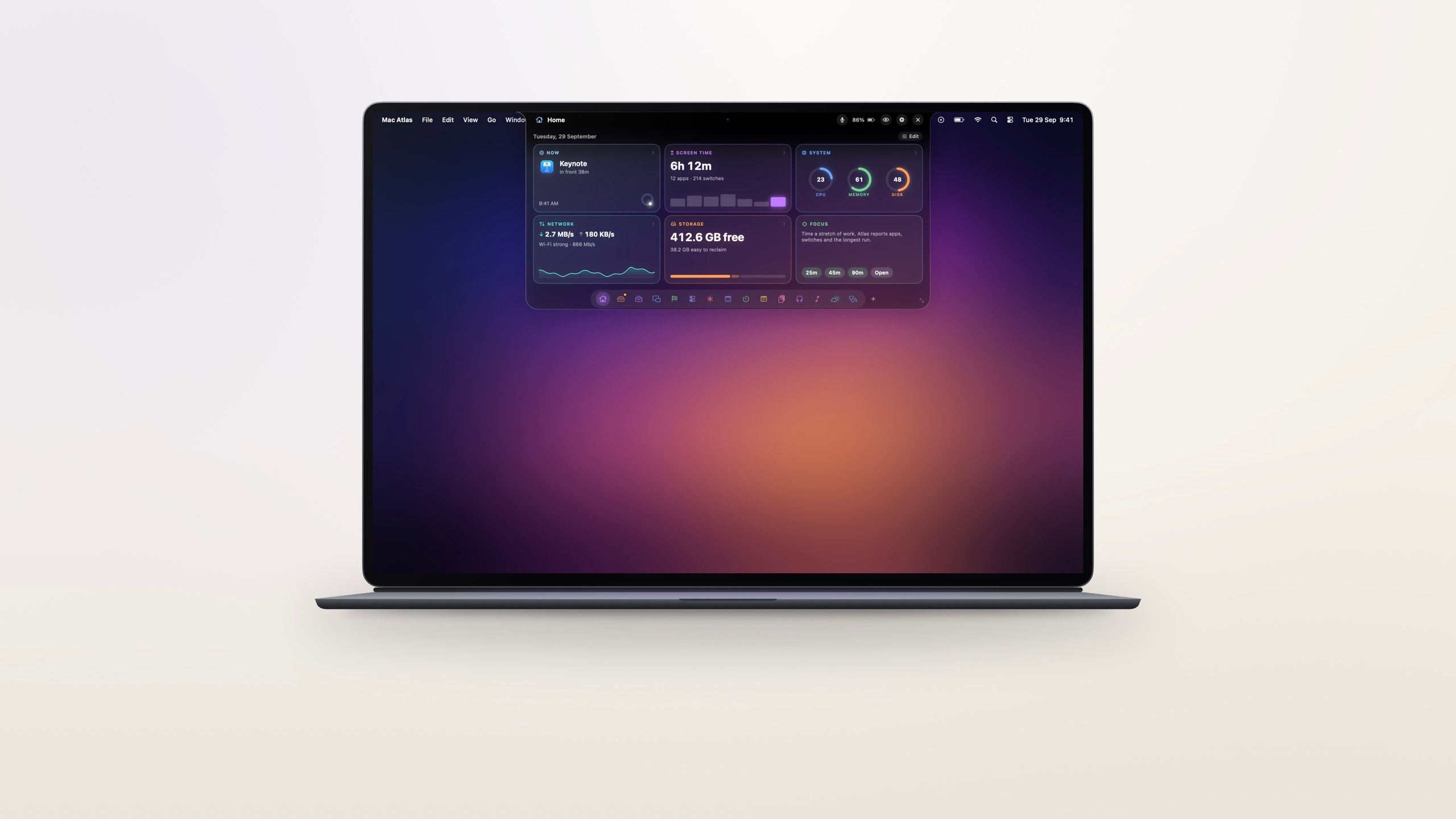
Slack, ClickUp, your builds and Claude Code, one glance up in the notch. Plus a cleanup that finds the gigabytes Xcode, Docker and node_modules quietly took.
A native Mac appApple silicon and IntelNo account needed
- pages in the island
- 0+pages in the island
- files mapped in about 15 seconds
- 0.0Mfiles mapped in about 15 seconds
- island themes, Adaptive included
- 0island themes, Adaptive included
- accounts to create
- 9accounts to create
Your Mac has a notch. It’s been doing nothing.
- Clean up your disk.
- Free a stuck port.
- Tame Docker.
- Clear old node_modules.
- Answer Slack.
- Sort your ClickUp.
- Watch every build.
- Ask Claude Code.
- Vanish from screen shares.
All in one app.
Point at the notch and it opens. Move away and it’s gone. It steps aside for full-screen apps and never steals a click from the window behind it.
Keep any window in view. Drag a window up to the notch and it stays live there, even over a full-screen app. Watch three at once, crop to the part you care about, and get a nudge the moment something changes.
Six themes, plus Adaptive, which borrows its tint from the app you’re using. Keep the pages you love and hide the rest.

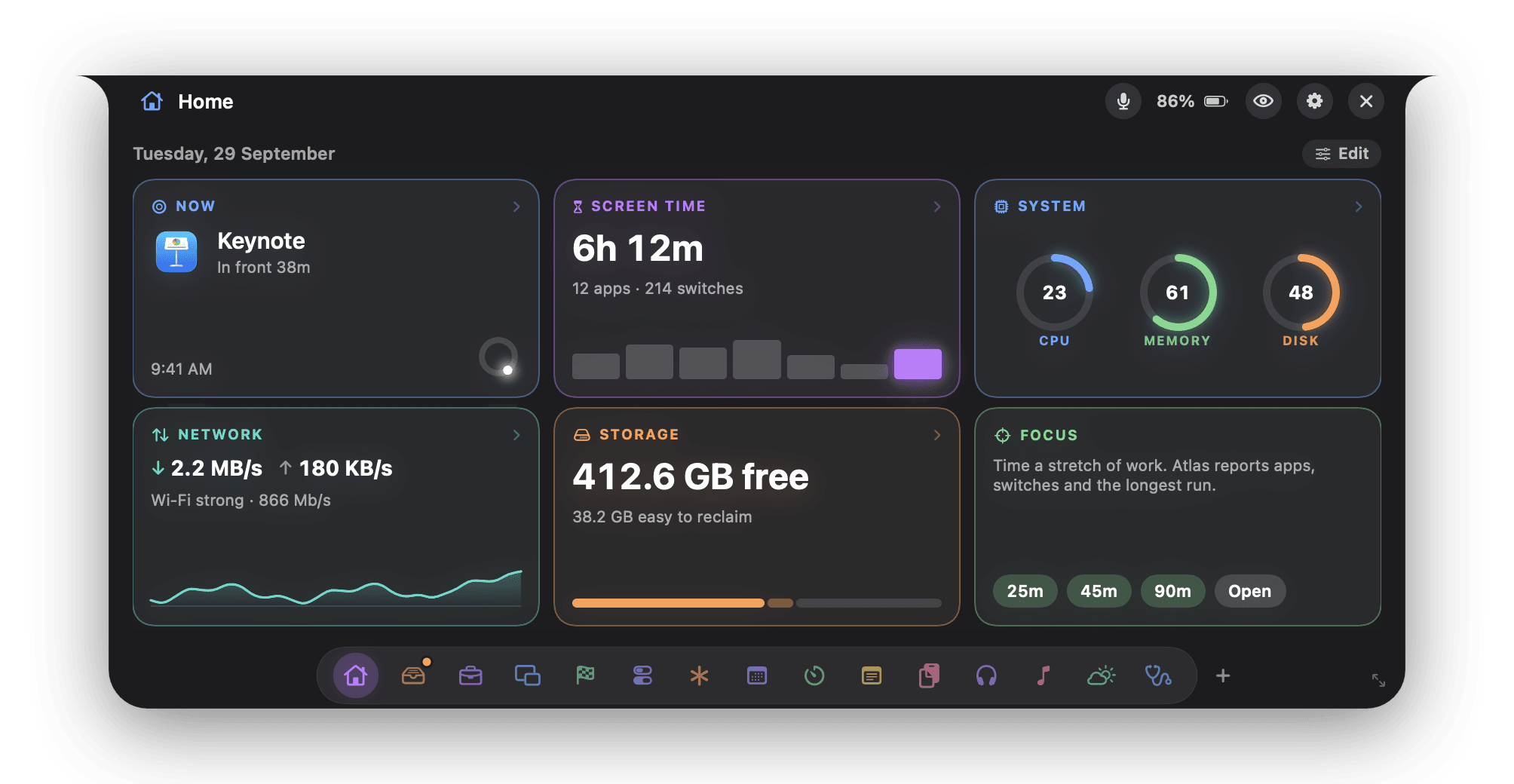
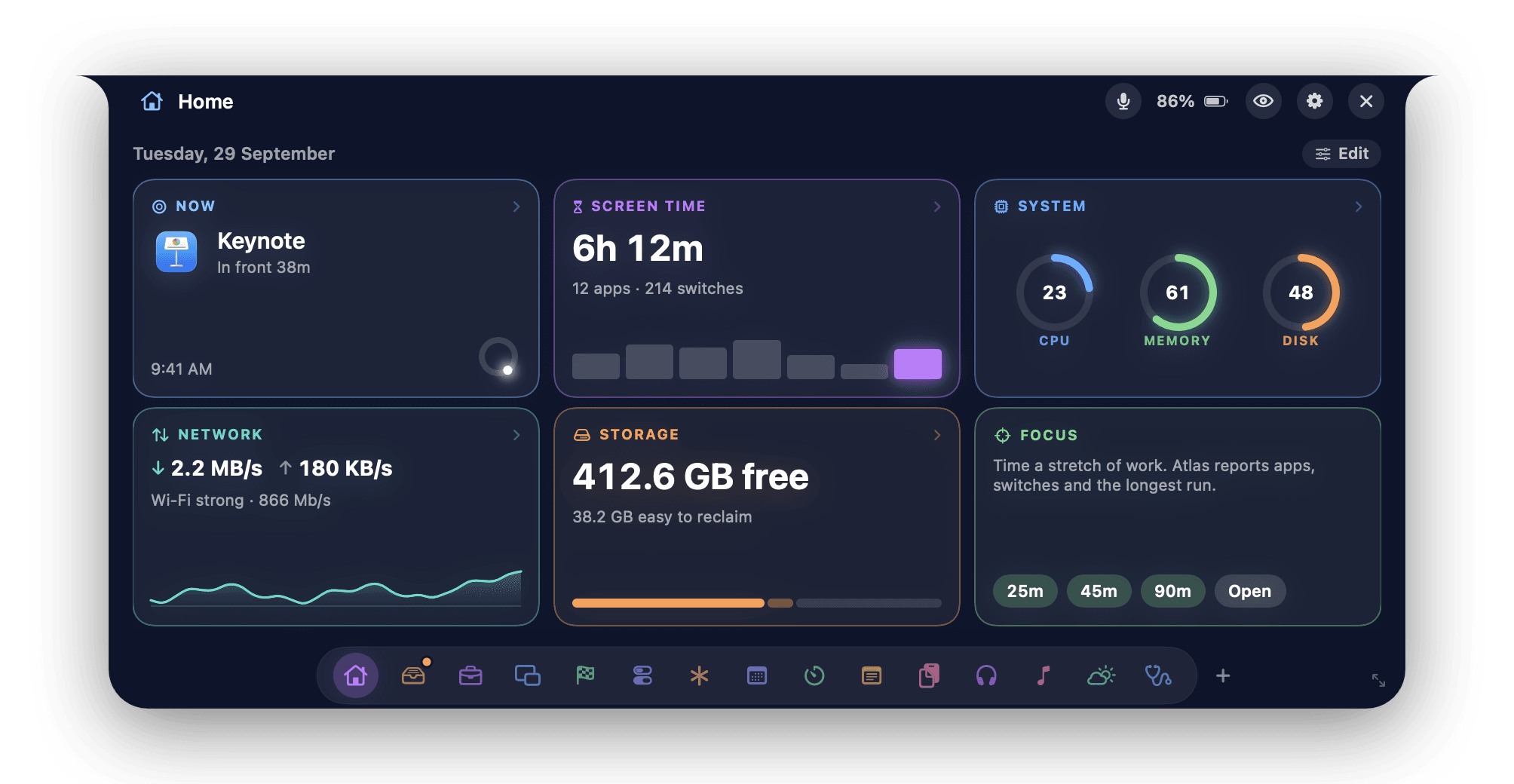
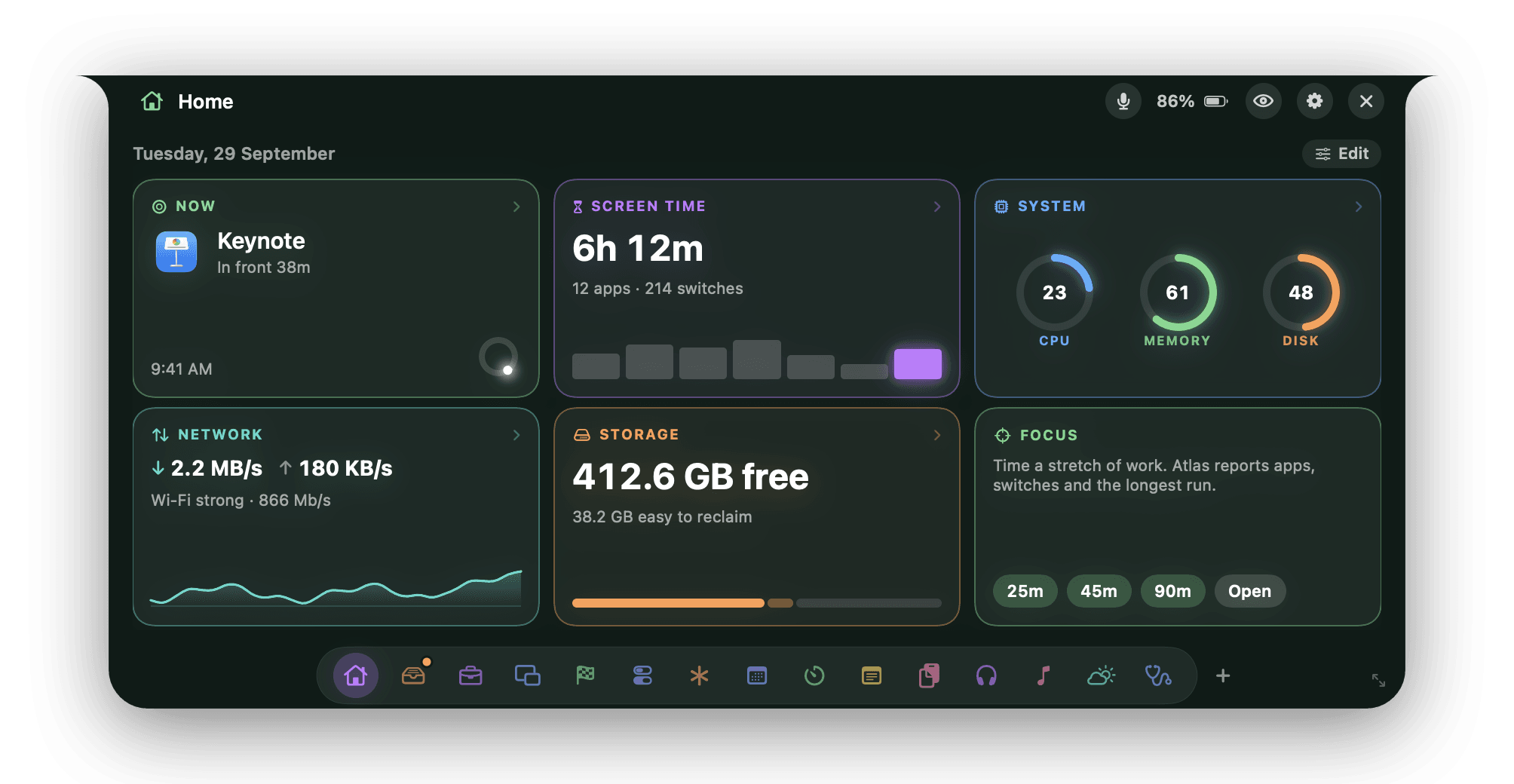
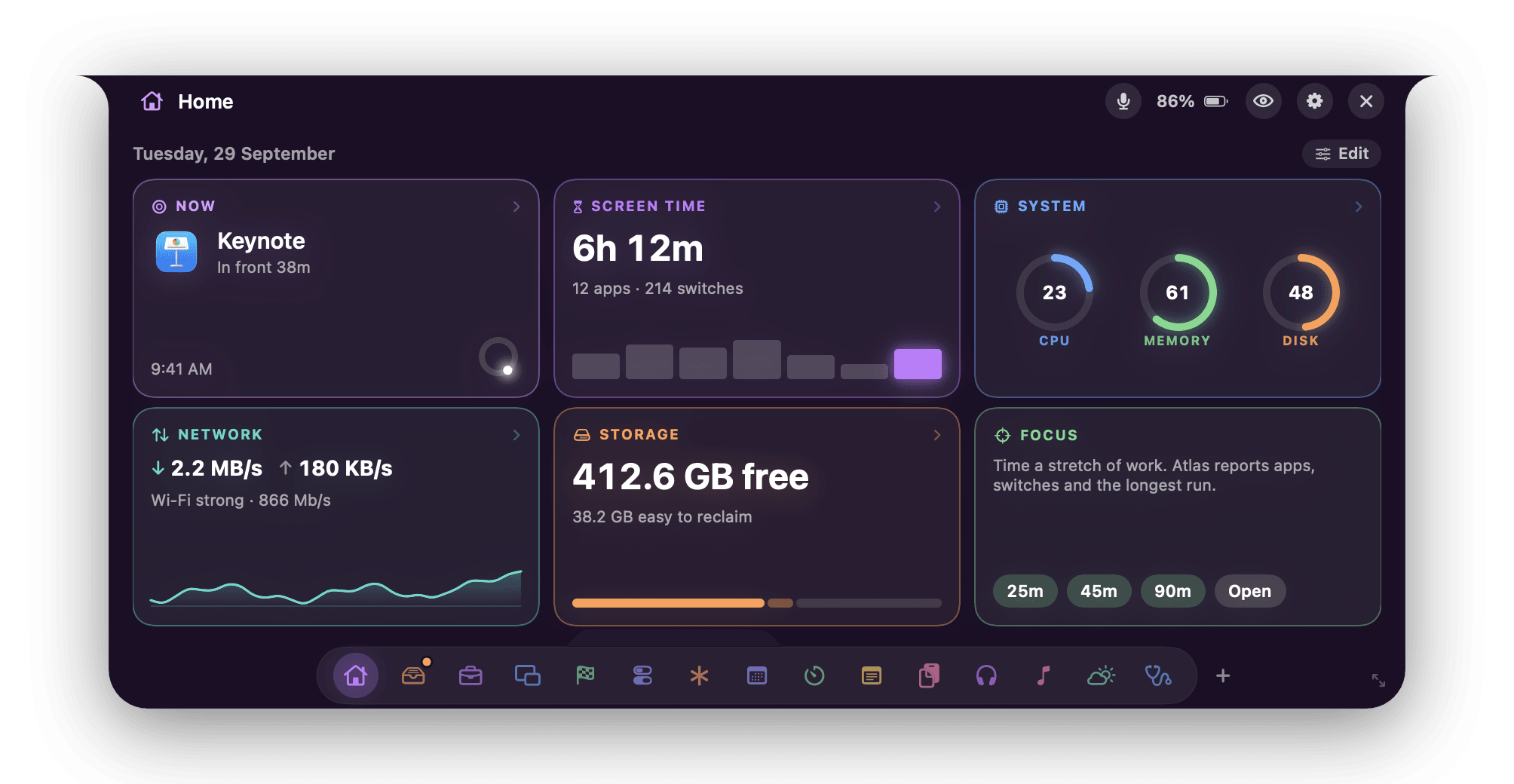
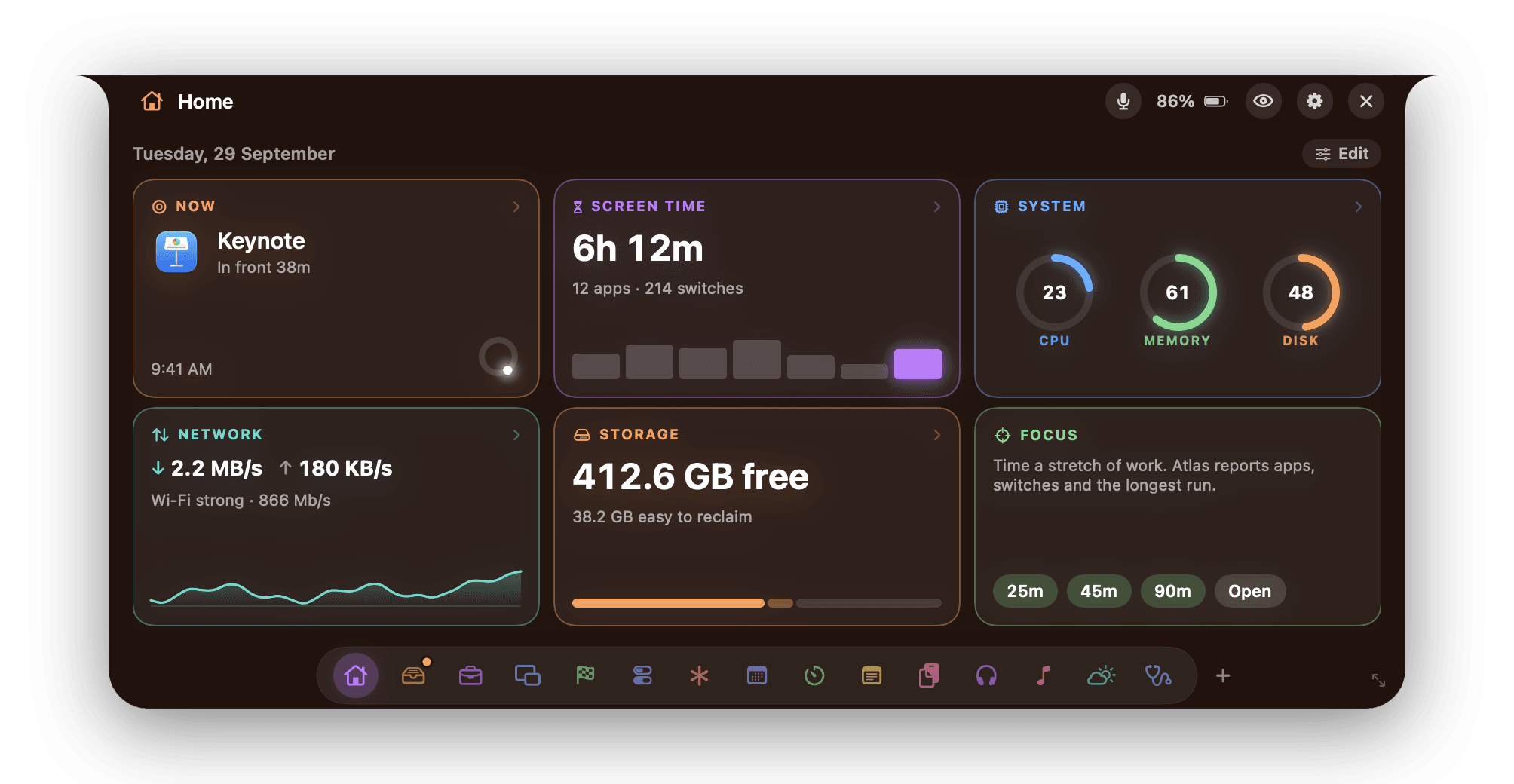
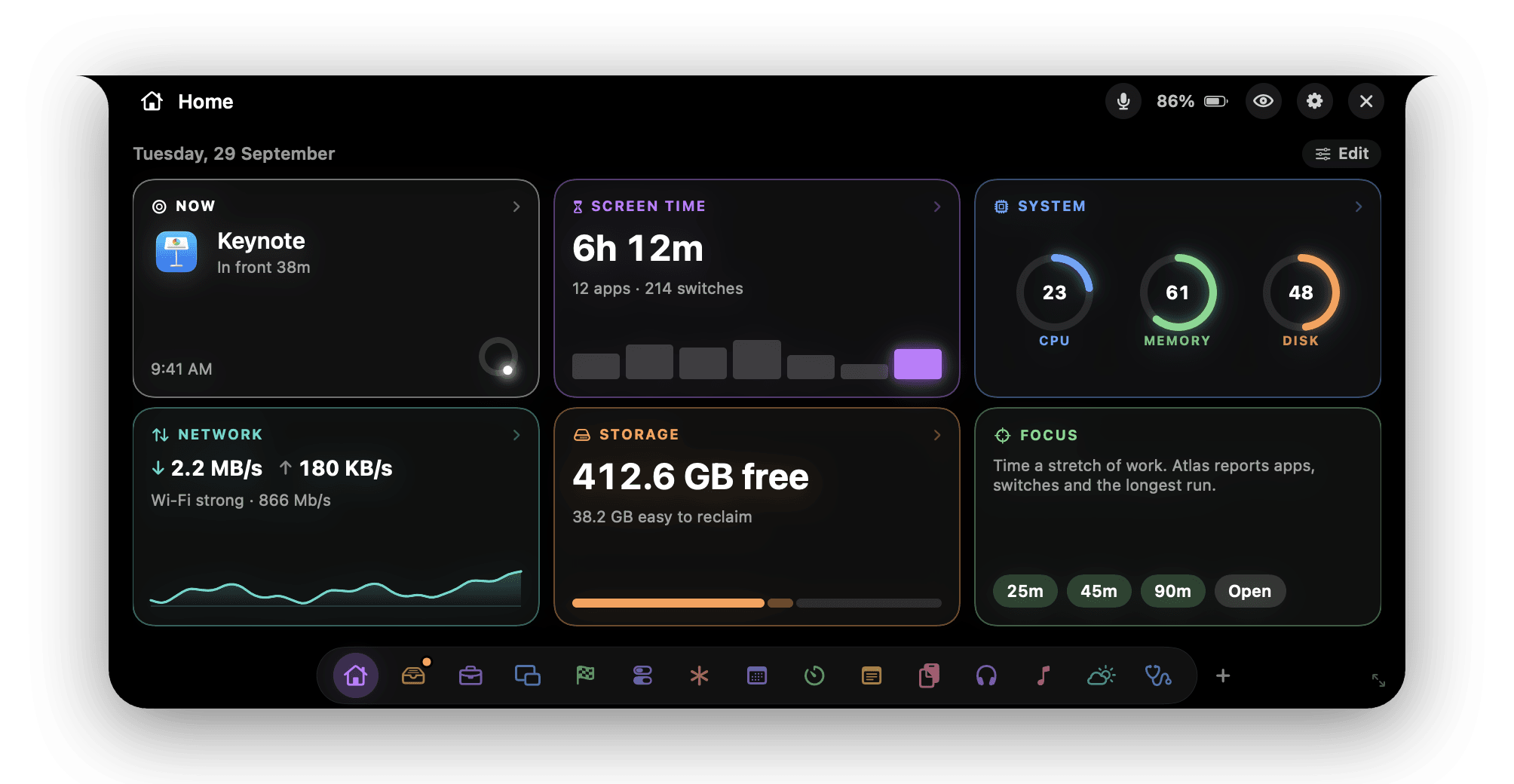
Inbox, Work, Portal, Jobs, Claude Code, a browser, music, weather, timers, your calendar, revenue, notes, clipboard, sleep, files and more. Every one is a swipe away.
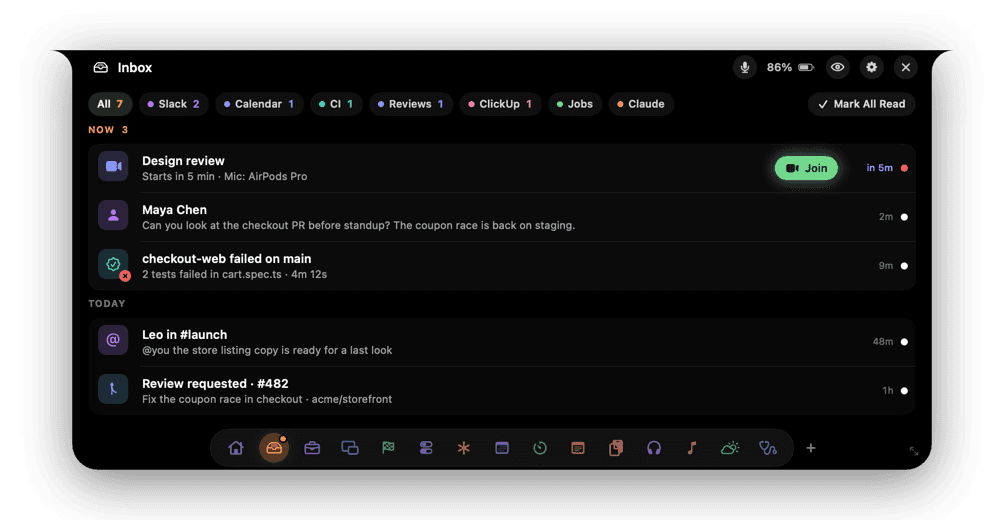
Inbox 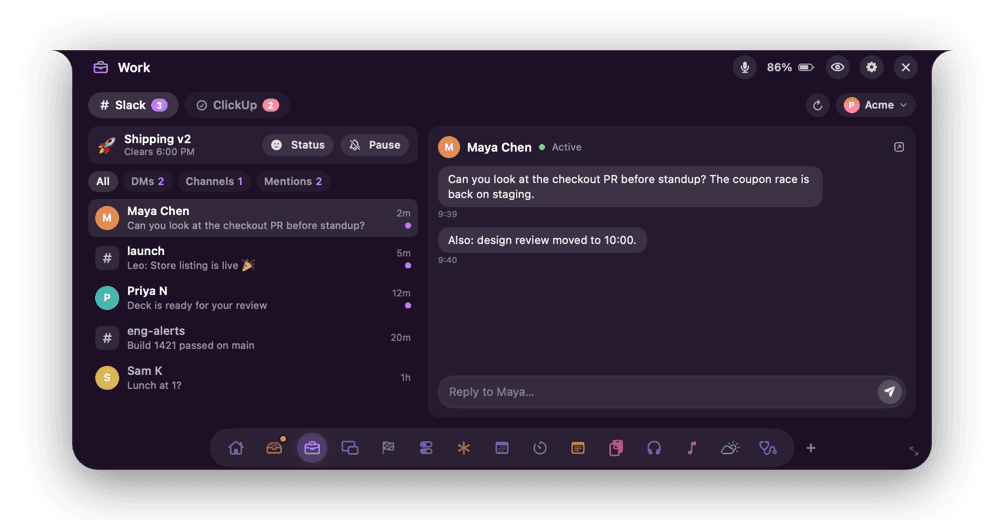
Work 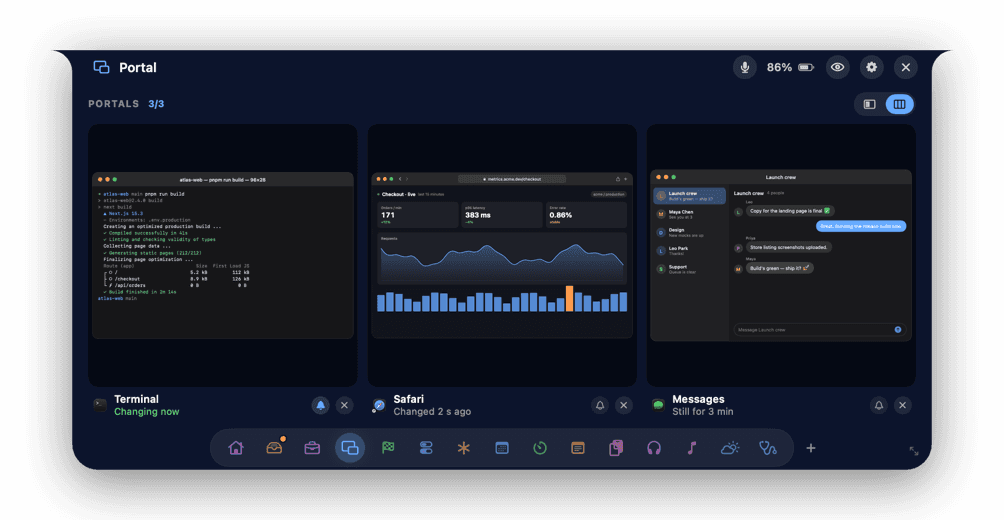
Portal 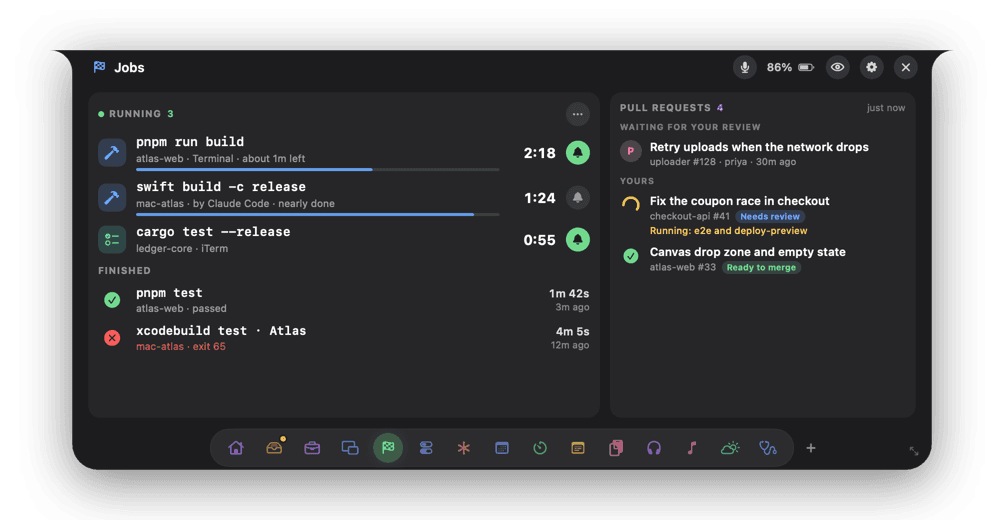
Jobs 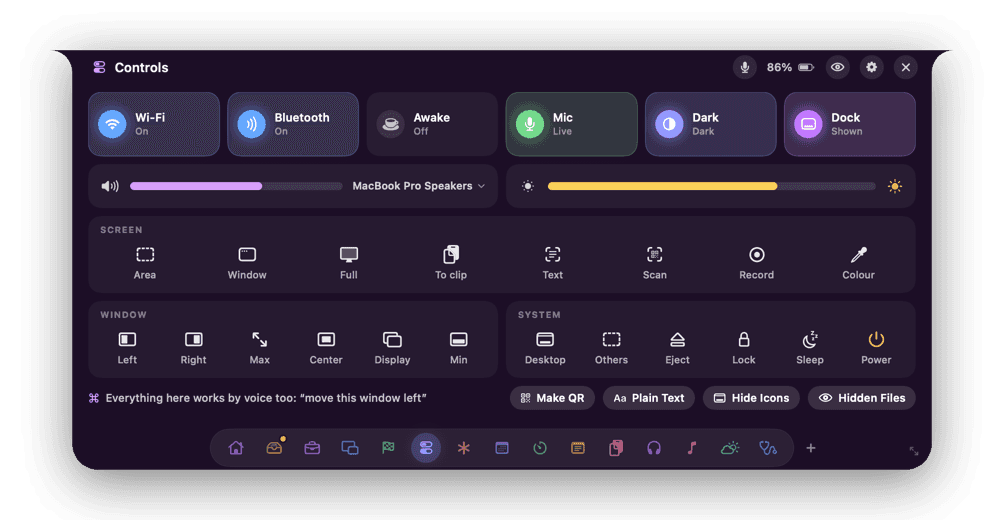
Controls 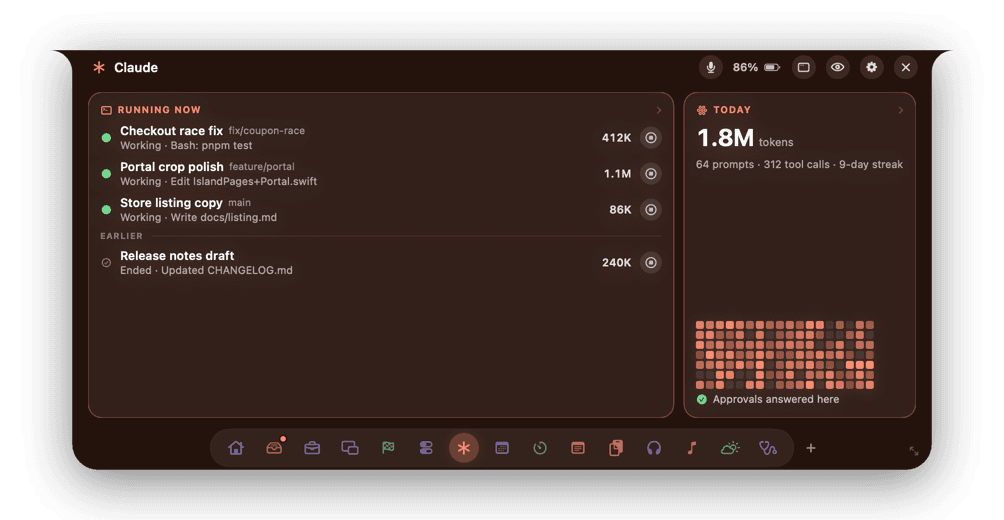
Claude Code 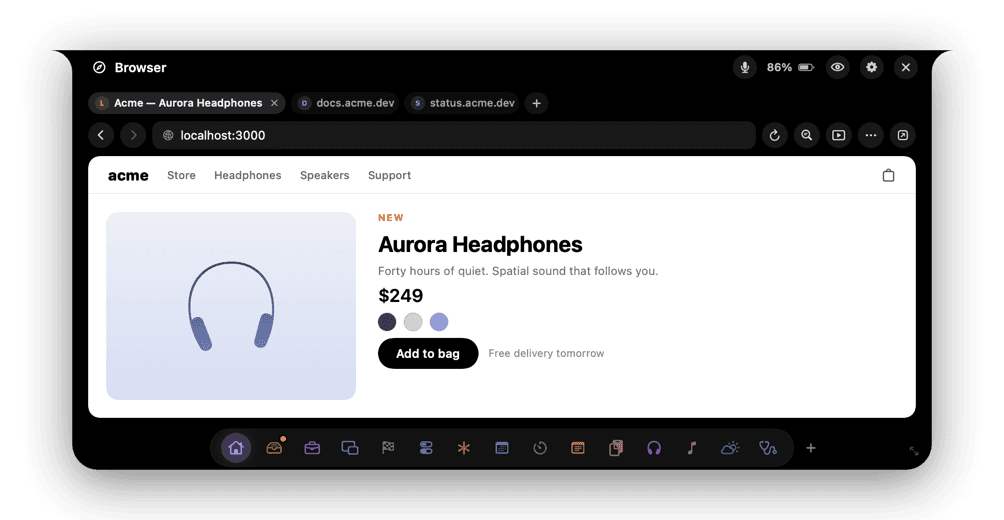
Browser 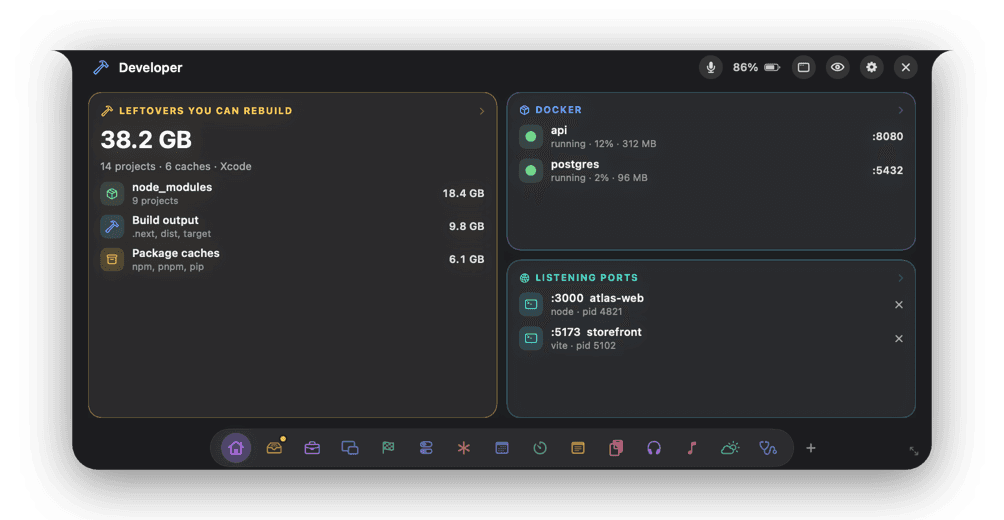
Developer 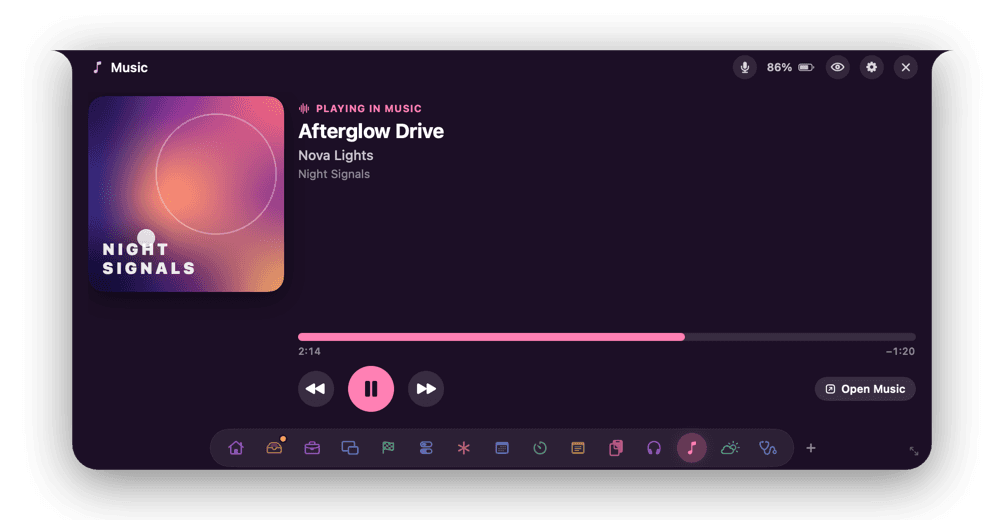
Music 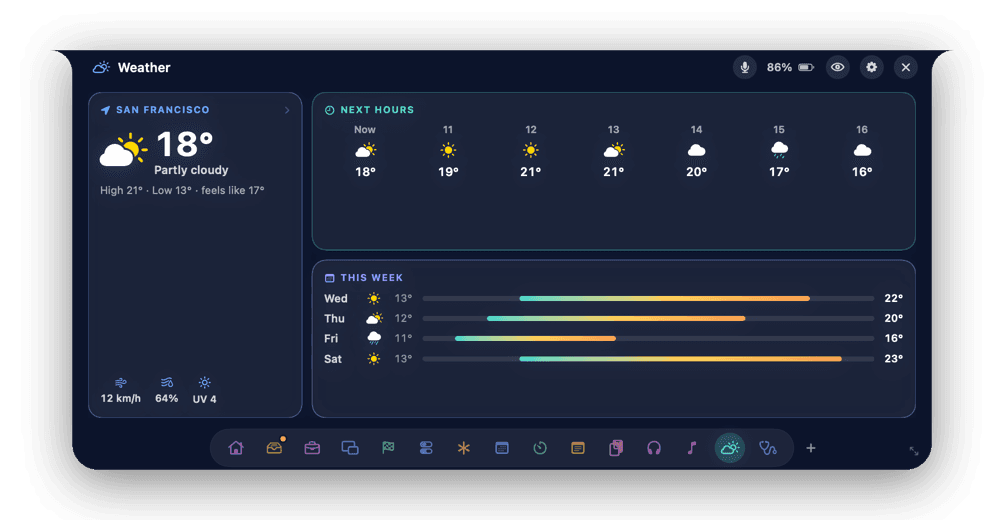
Weather 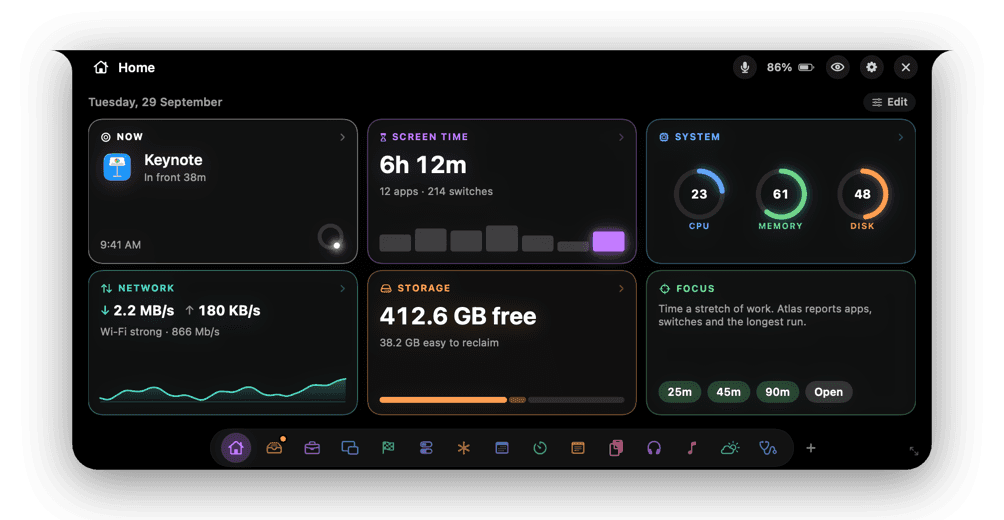
Home 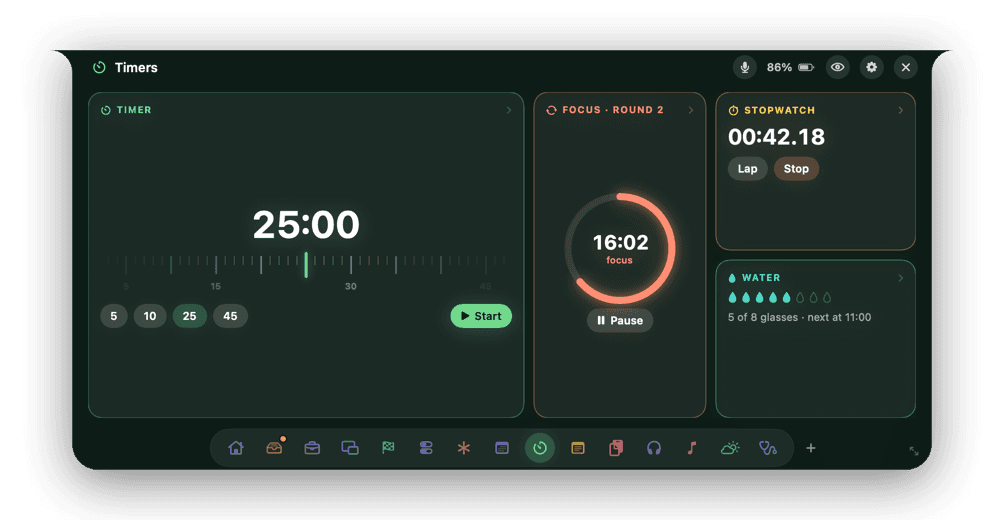
Timers
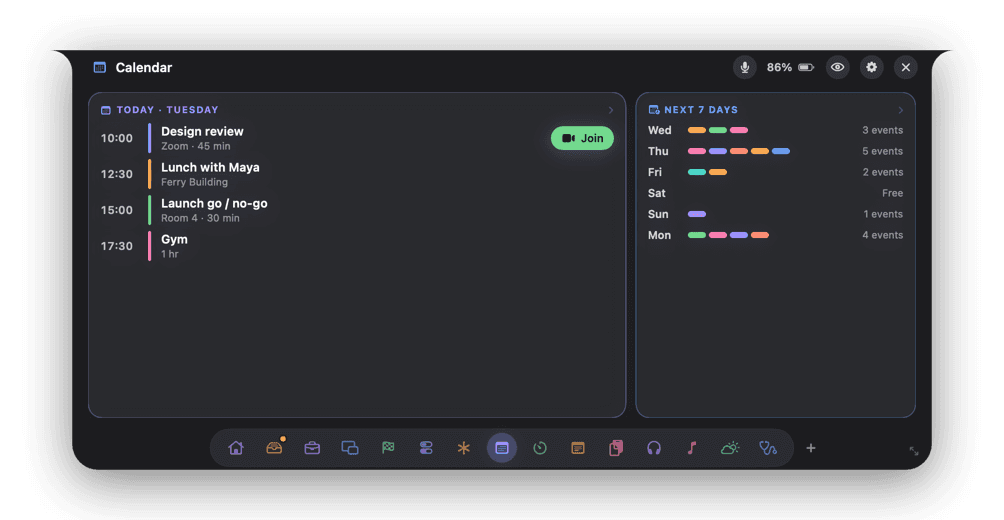
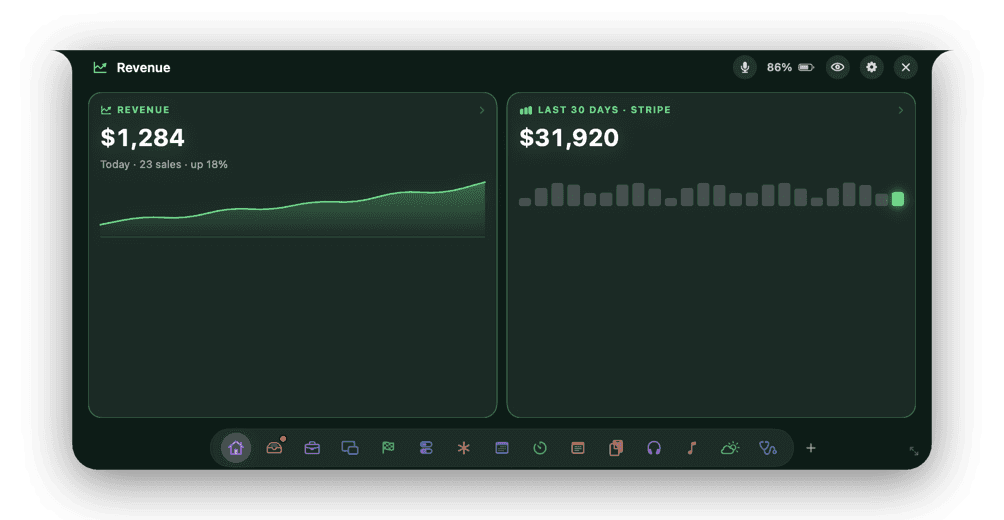
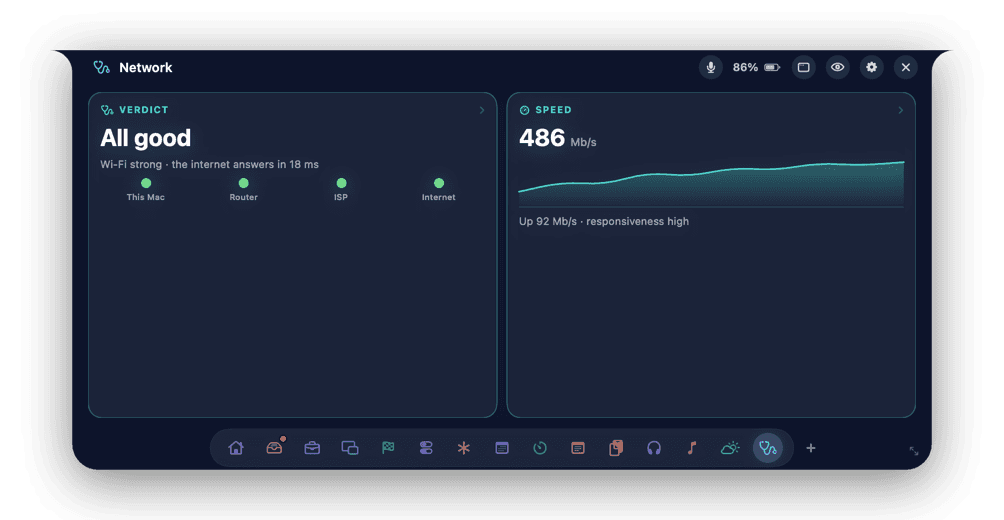
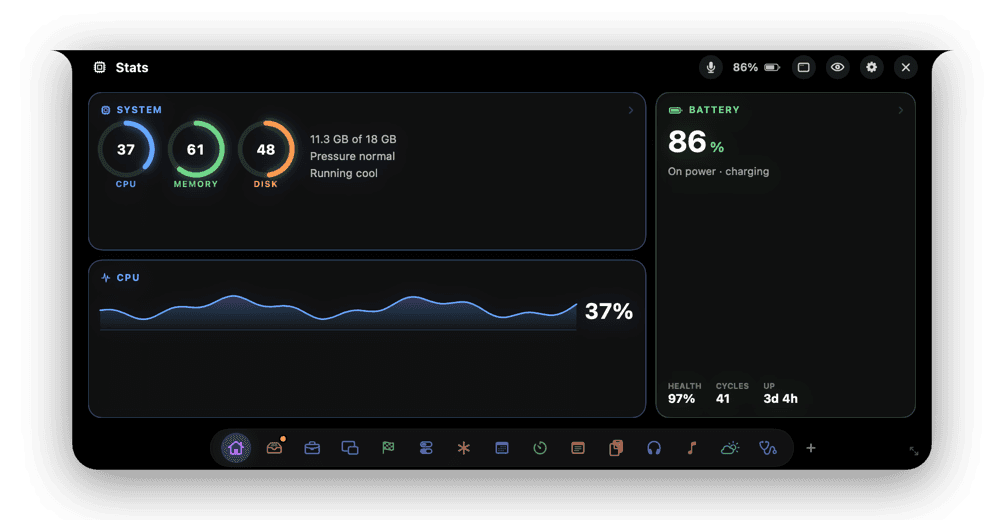
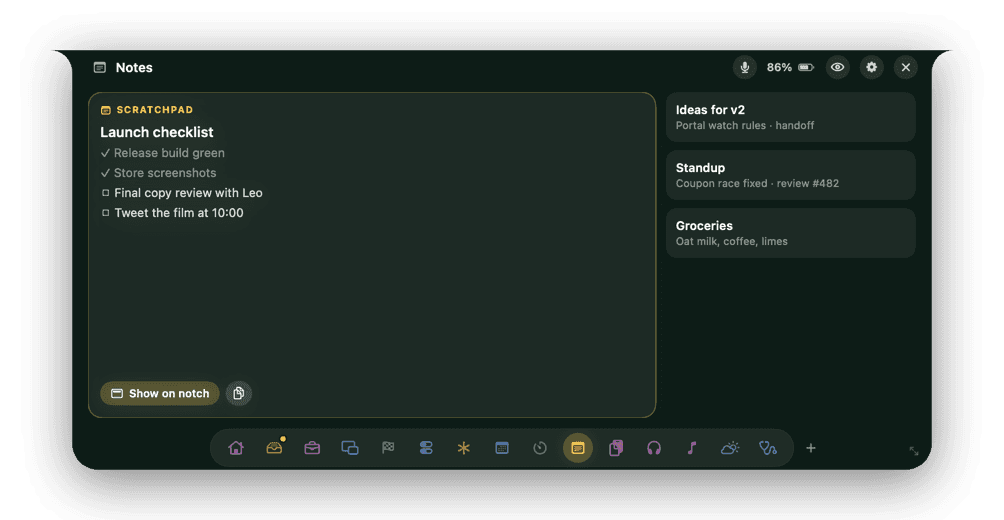
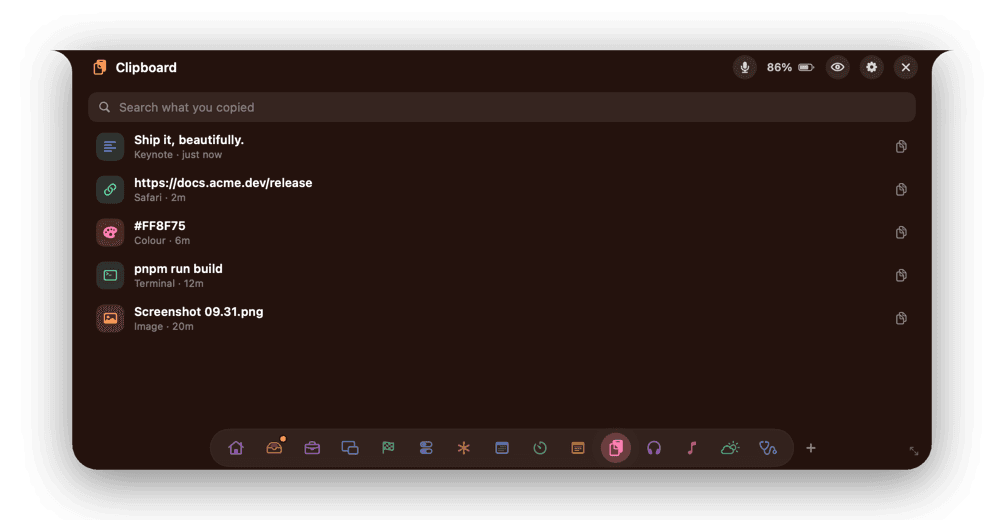
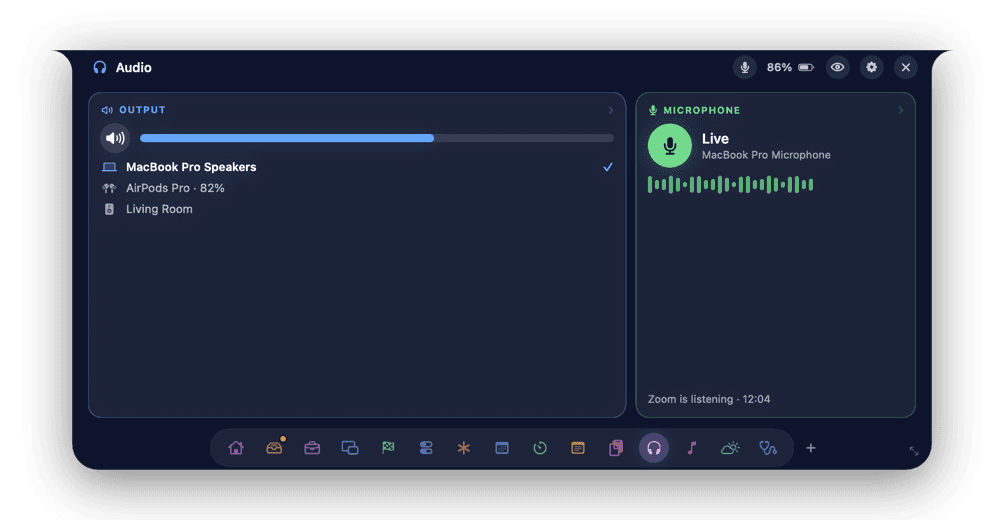
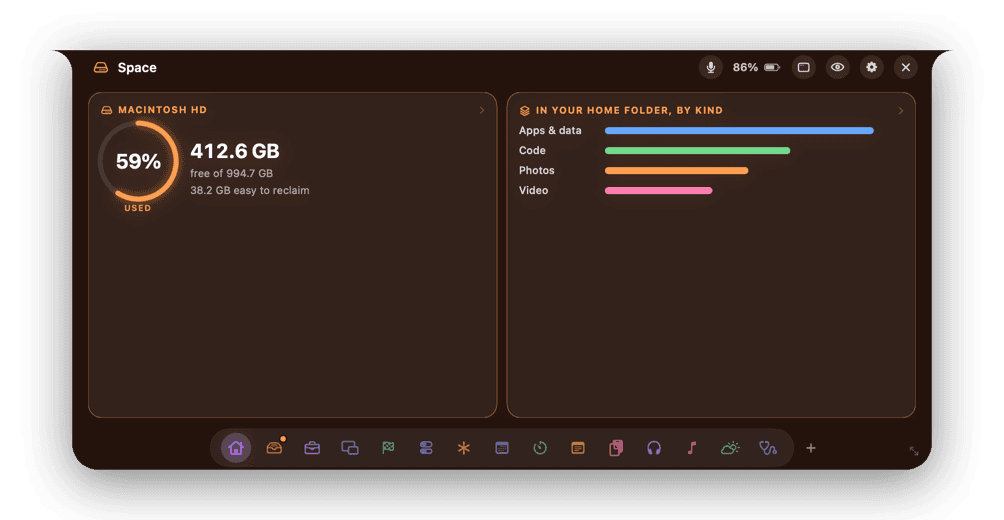
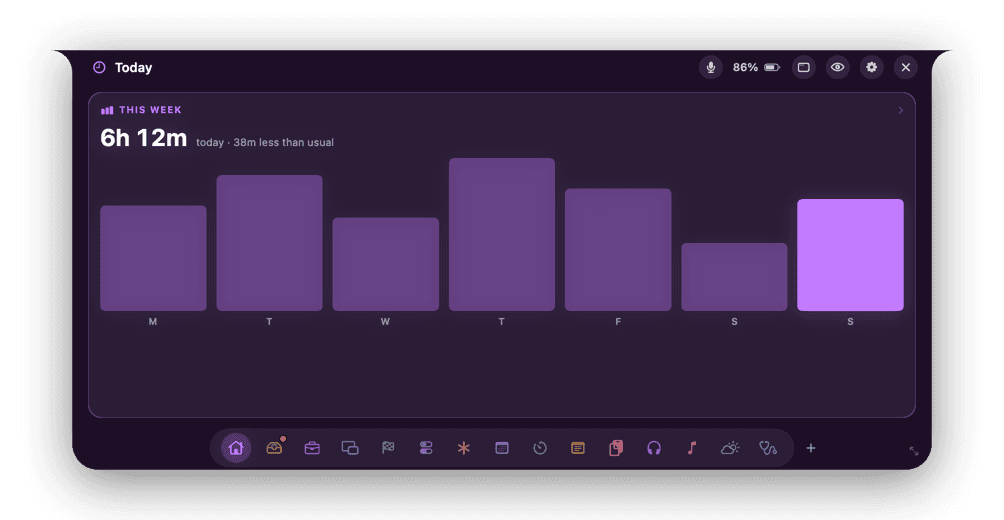
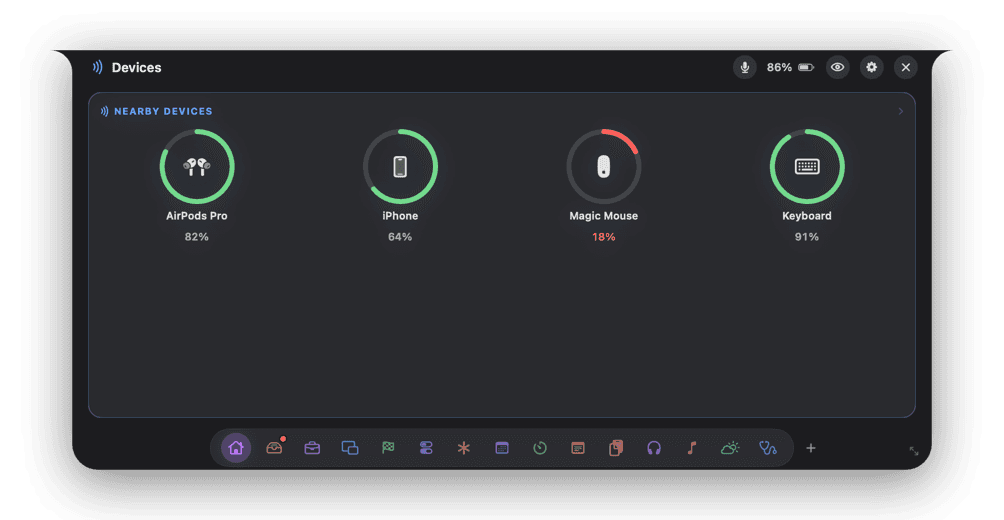
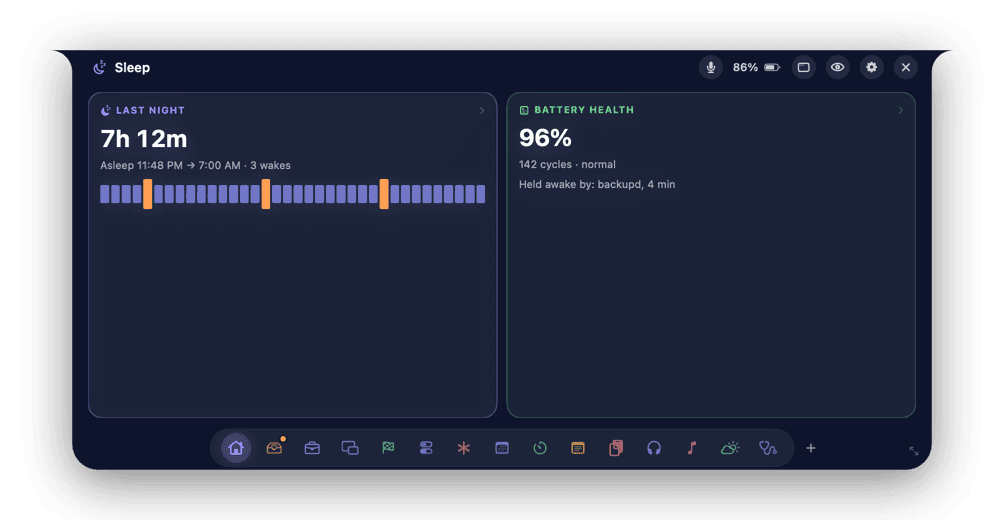
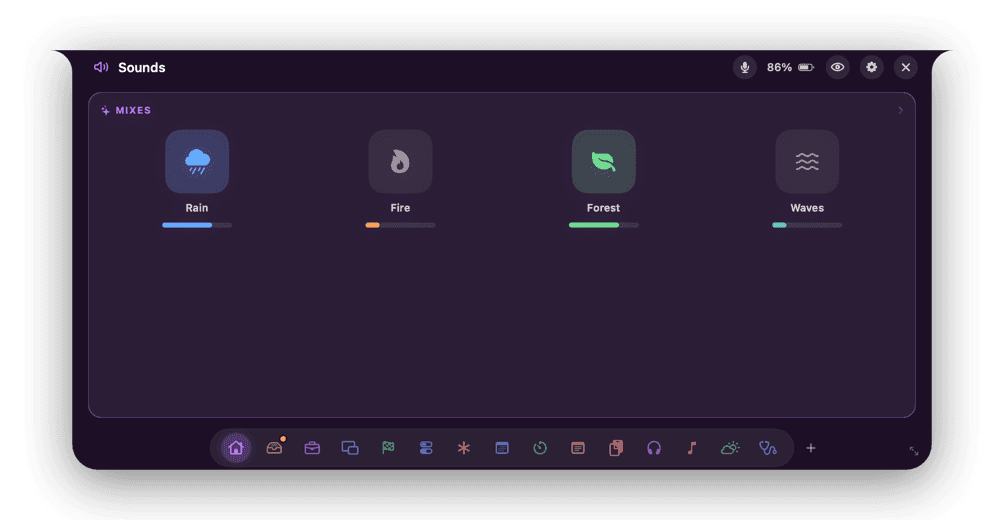
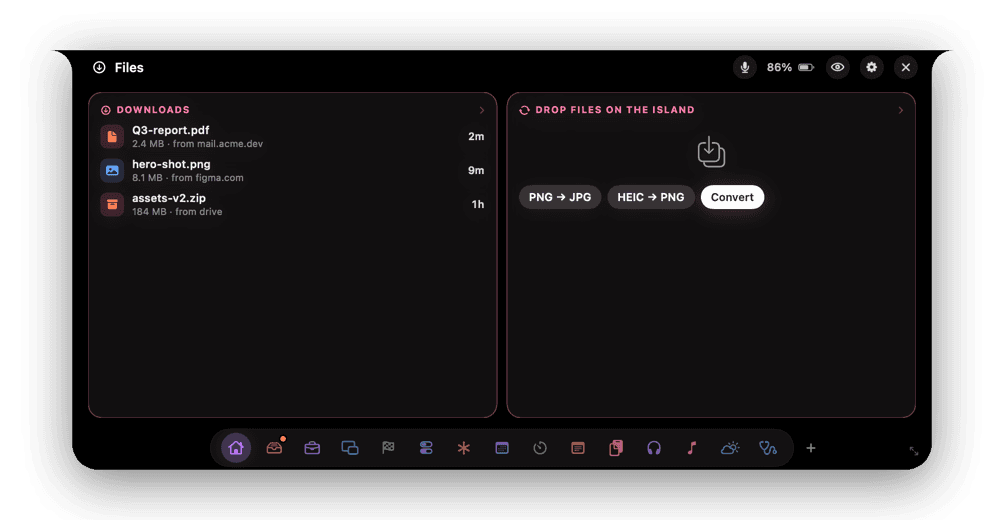
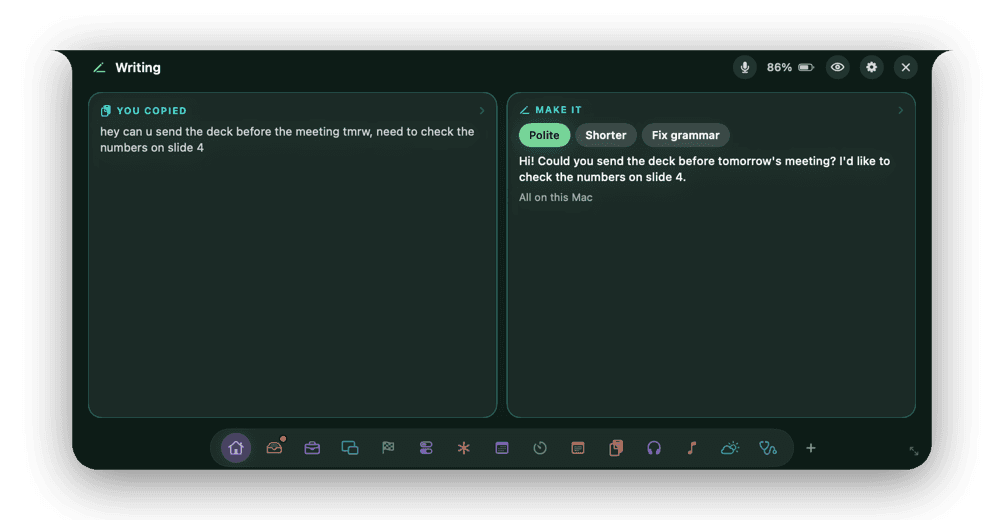
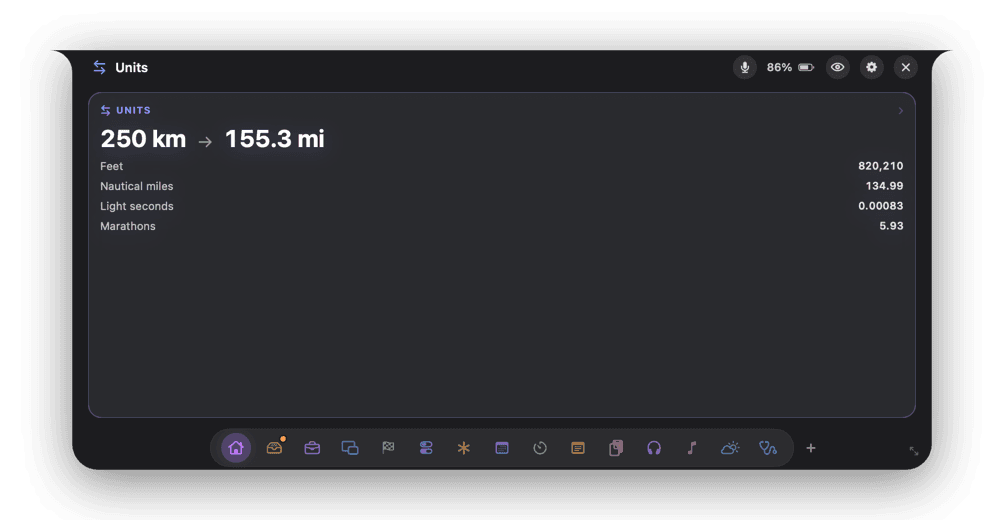
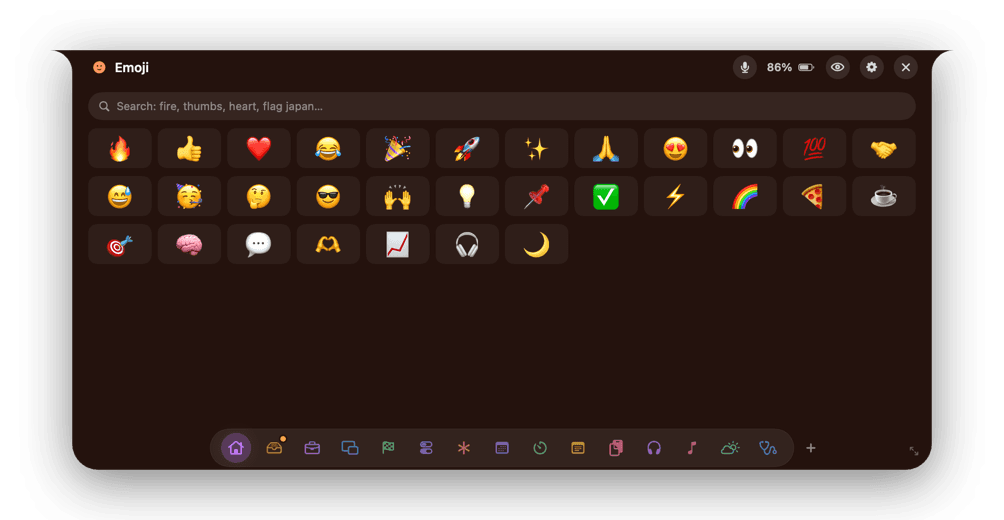
and 16 more
Storage
Storage maps a home folder of 1.5 million files in about 15 seconds, shows what grew since last time, and tells you what is safe to let go.
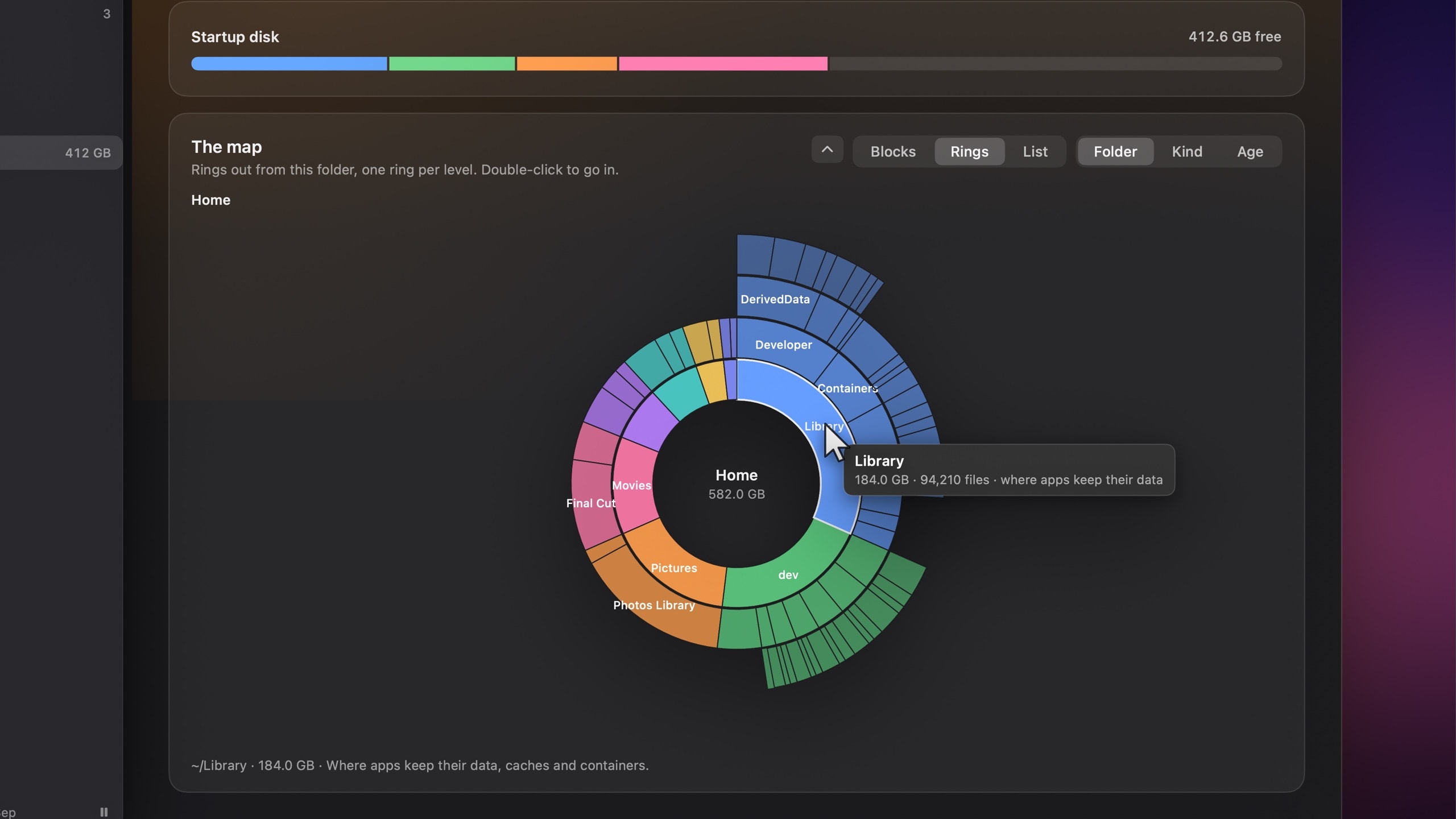
01
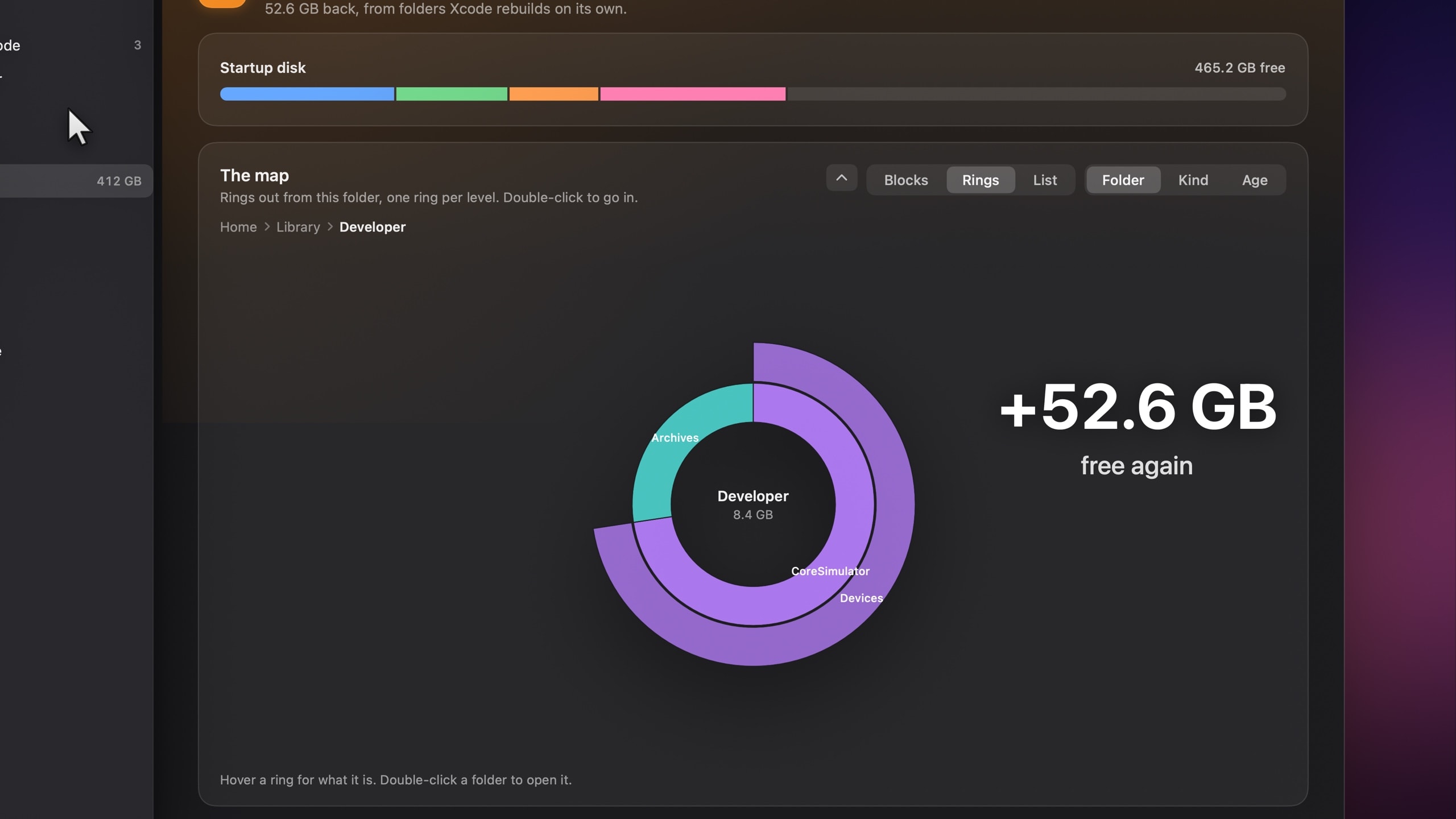
Your whole disk, as rings.
Every folder, one ring per level, sized by what it holds. Prefer something else? Read it as blocks, or as a list of the biggest things anywhere on the disk.
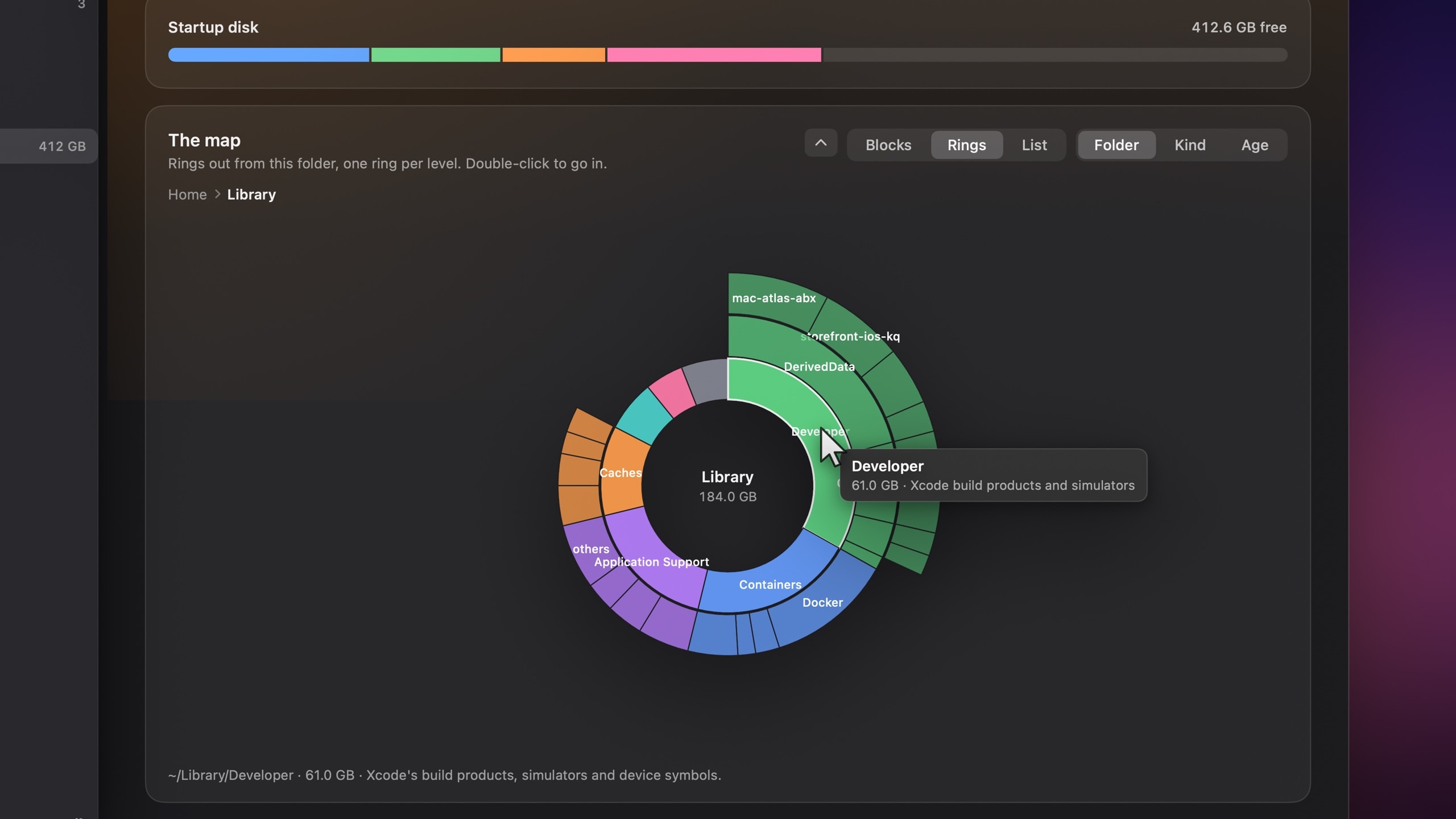
02
Dive into anything.
Double-click to go in. Every block tells you in plain English what it is, and lenses recolour the map by kind or by age.
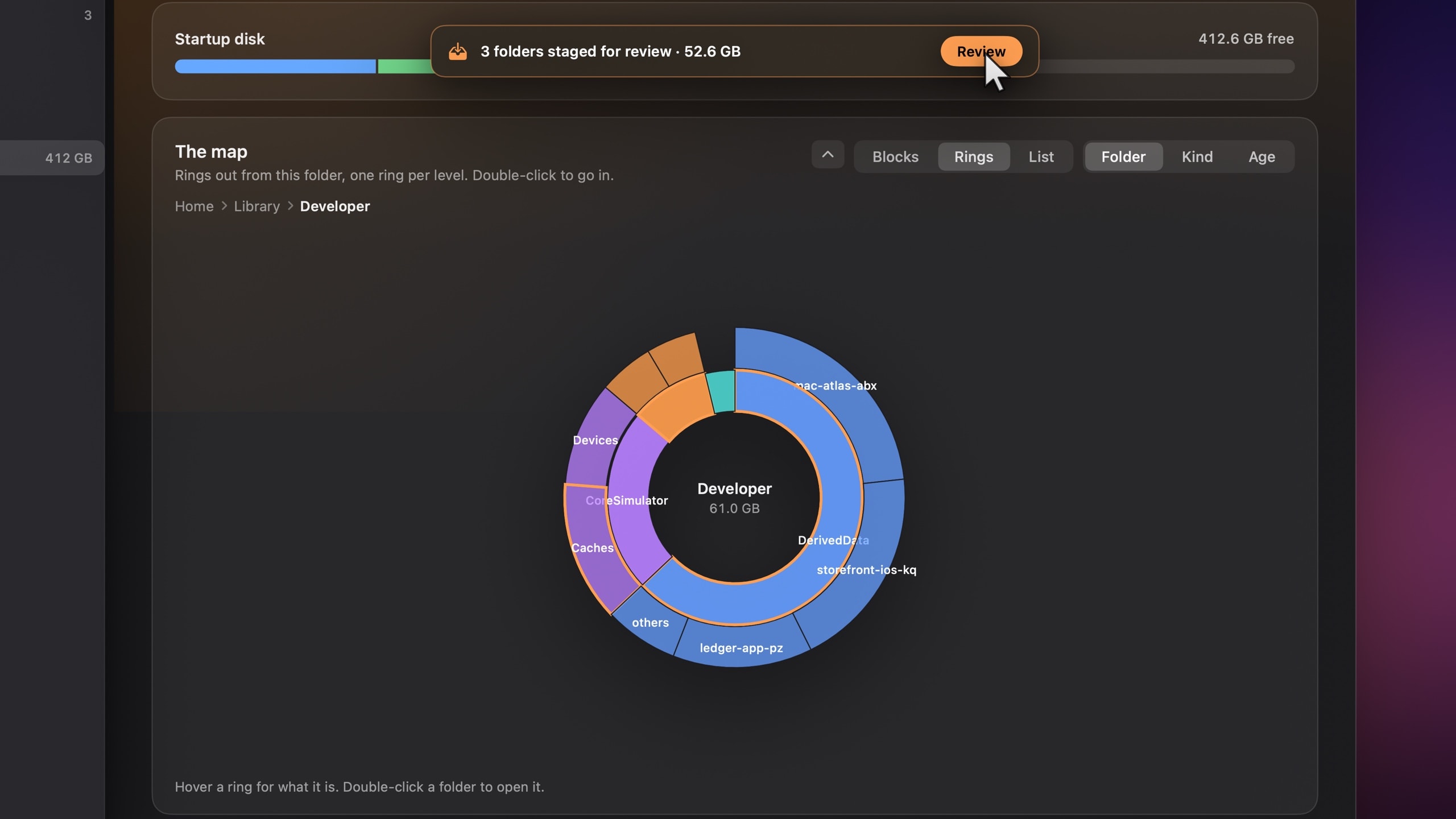
03
Stage what Xcode can rebuild.
Derived data, simulator caches and device support are marked safe to reclaim, with the reason spelled out: Xcode makes them again on its own.
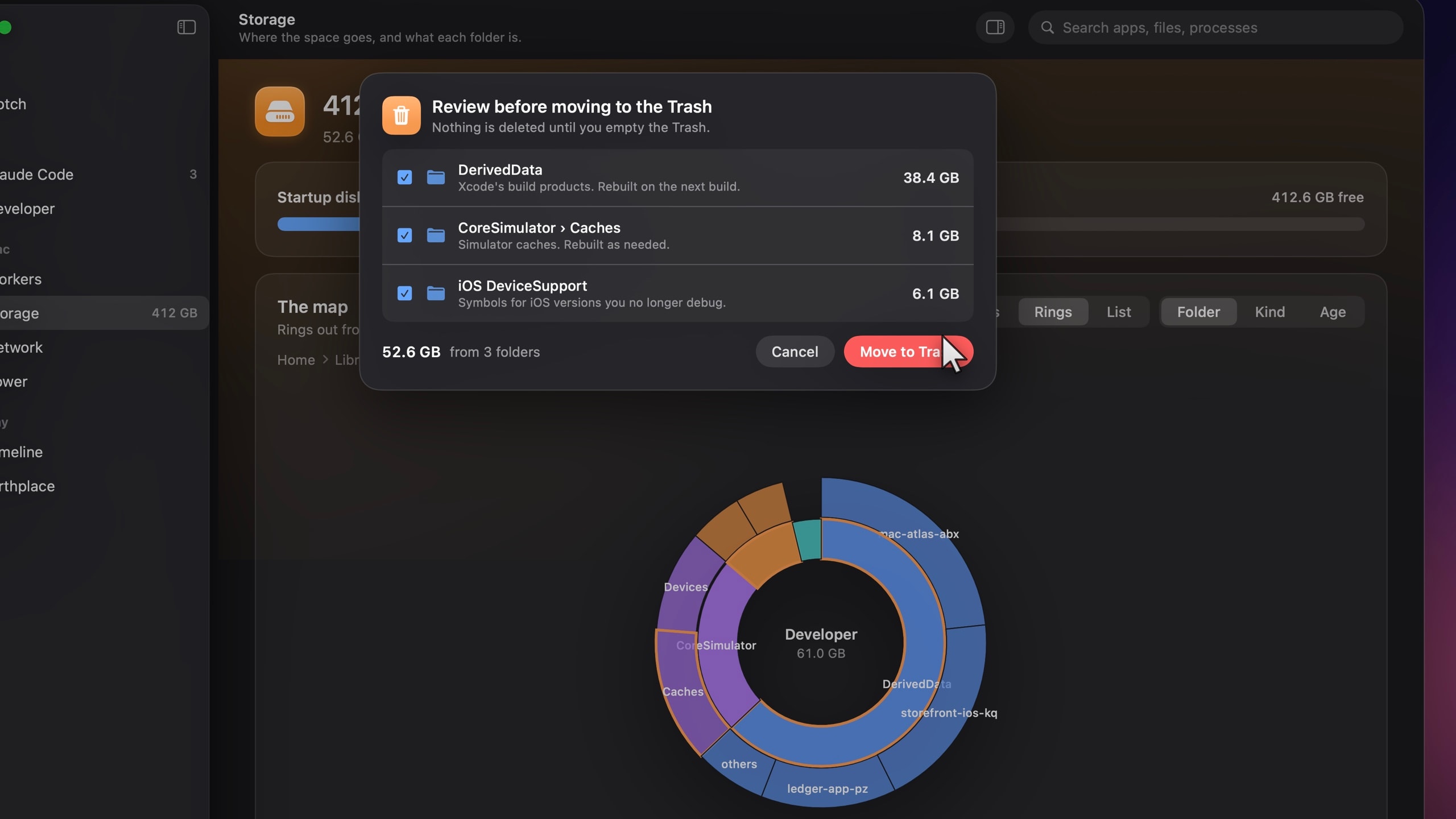
04
Review. Trash. Done.
Nothing moves until you say so, and it all goes to the Trash first. Never straight to deletion.
05
GB, back.
One pass on our test Mac, all of it from folders Xcode rebuilds by itself.
Developer
Atlas finds every project under your home folder with leftovers it can rebuild: node_modules, build output, virtual environments, Pods, vendor folders, package caches and Xcode’s derived data. Nothing is deleted outright.
Free a stuck port.
Something already on :3000? See what’s listening and quit it in one click.
Reclaim Docker space.
Containers, images and build cache, sized up, with one reclaim for everything you don’t need.
Clear old node_modules.
Pick projects untouched for 30, 90 or 180 days and send their leftovers to the Trash, each with the command that brings it back.
The Mac Atlas app
Your Mac already keeps a record of nearly everything it does. Mac Atlas makes it readable, starting every screen with one plain sentence written from live data.
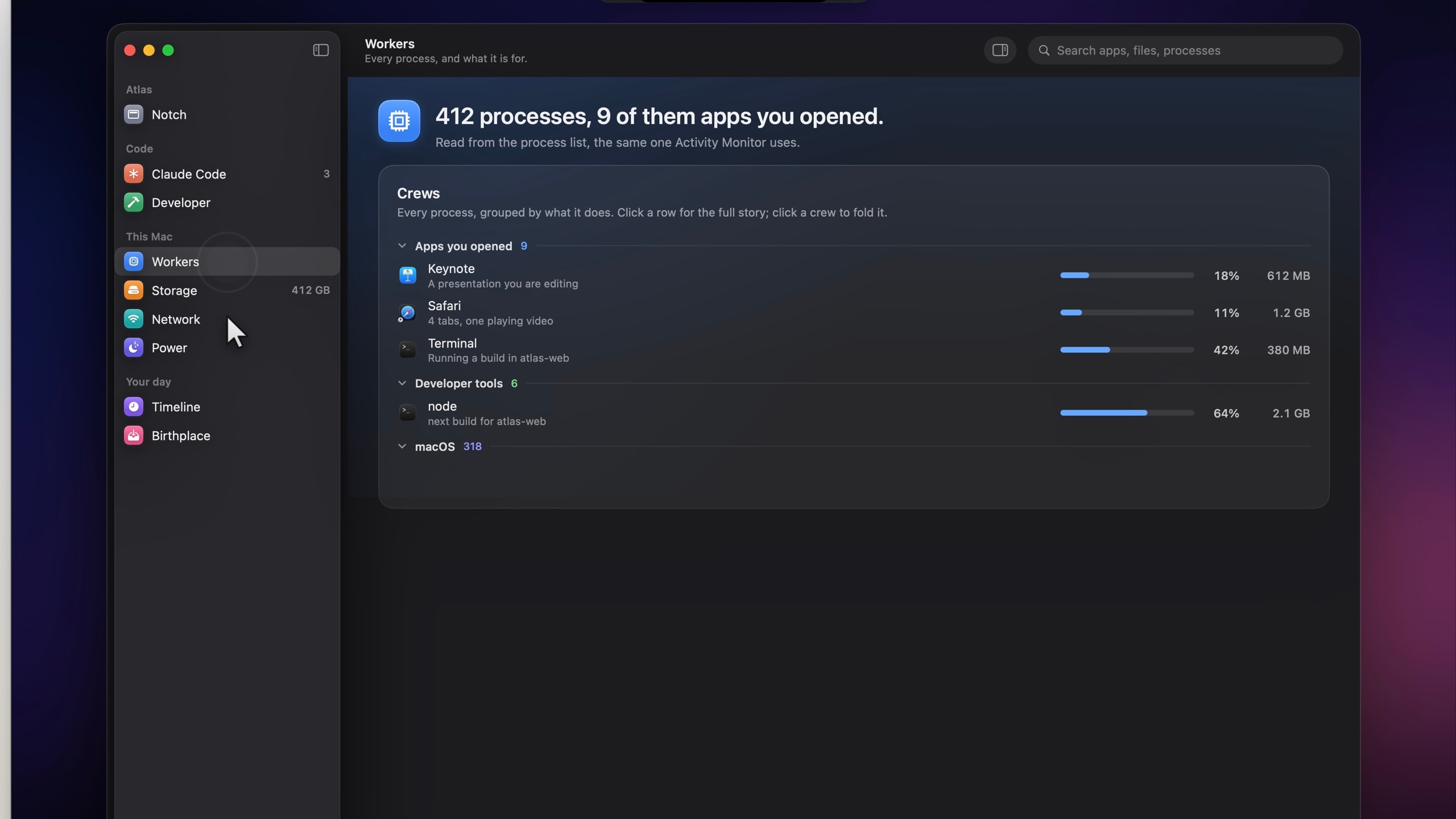
Workers
Every process on your Mac, named and explained in plain English, grouped by what it does, with live CPU, memory and energy.
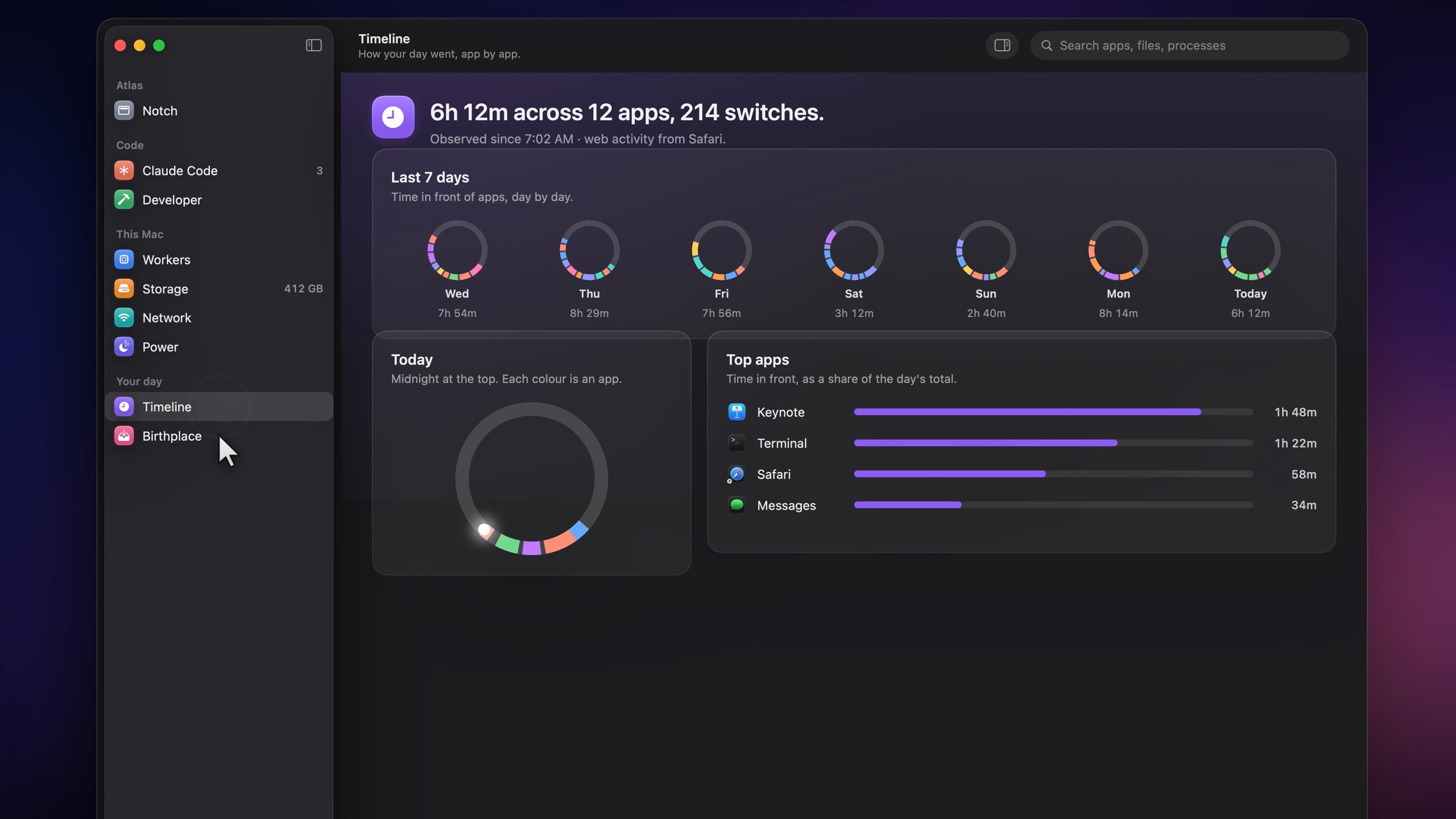
Timeline
How your day actually went: a 24-hour ring, sessions and breaks, and the sites you visited.
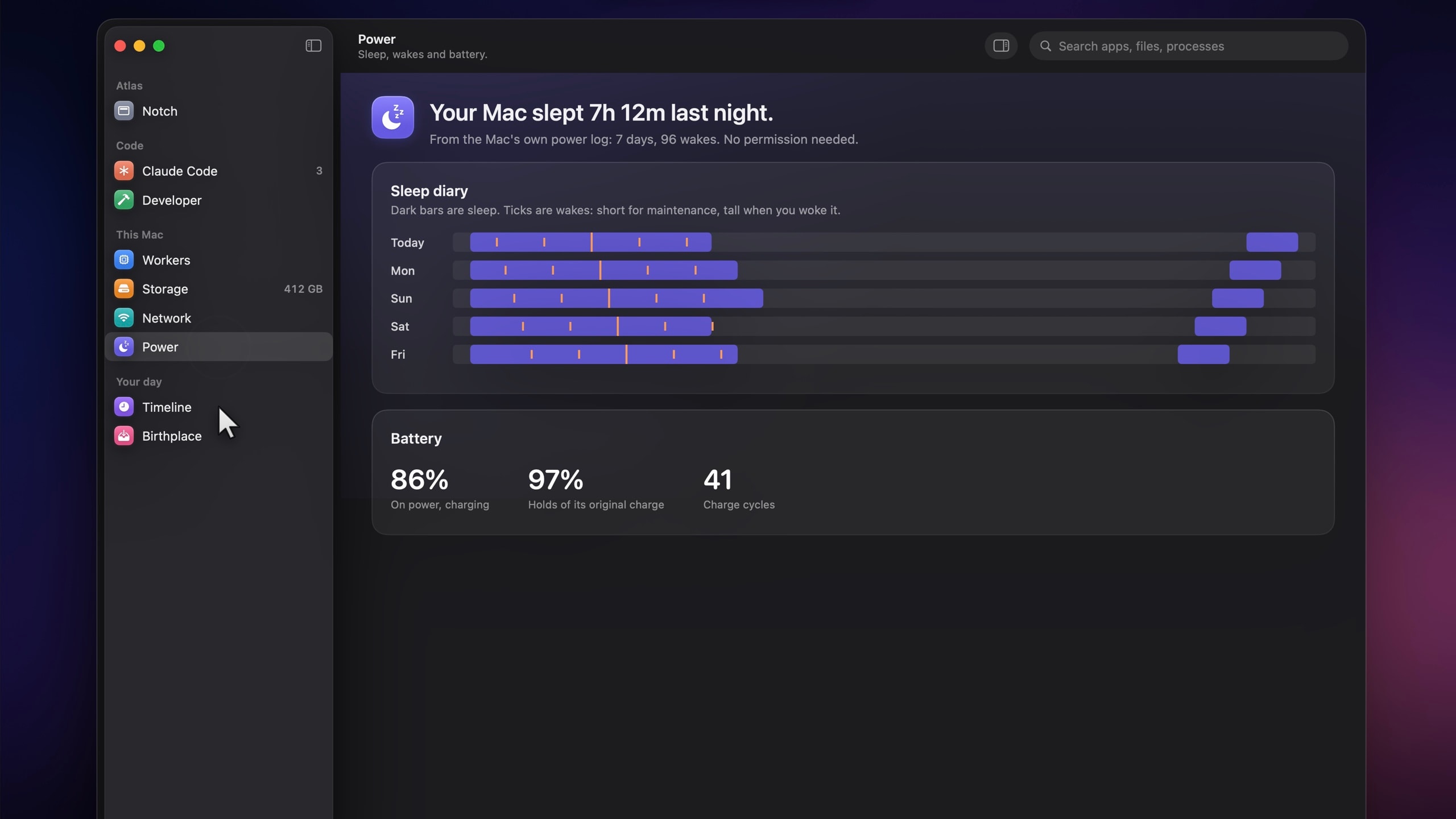
Power
Your Mac’s sleep diary: when it slept, why it woke at 3 a.m., and how the battery is holding up.
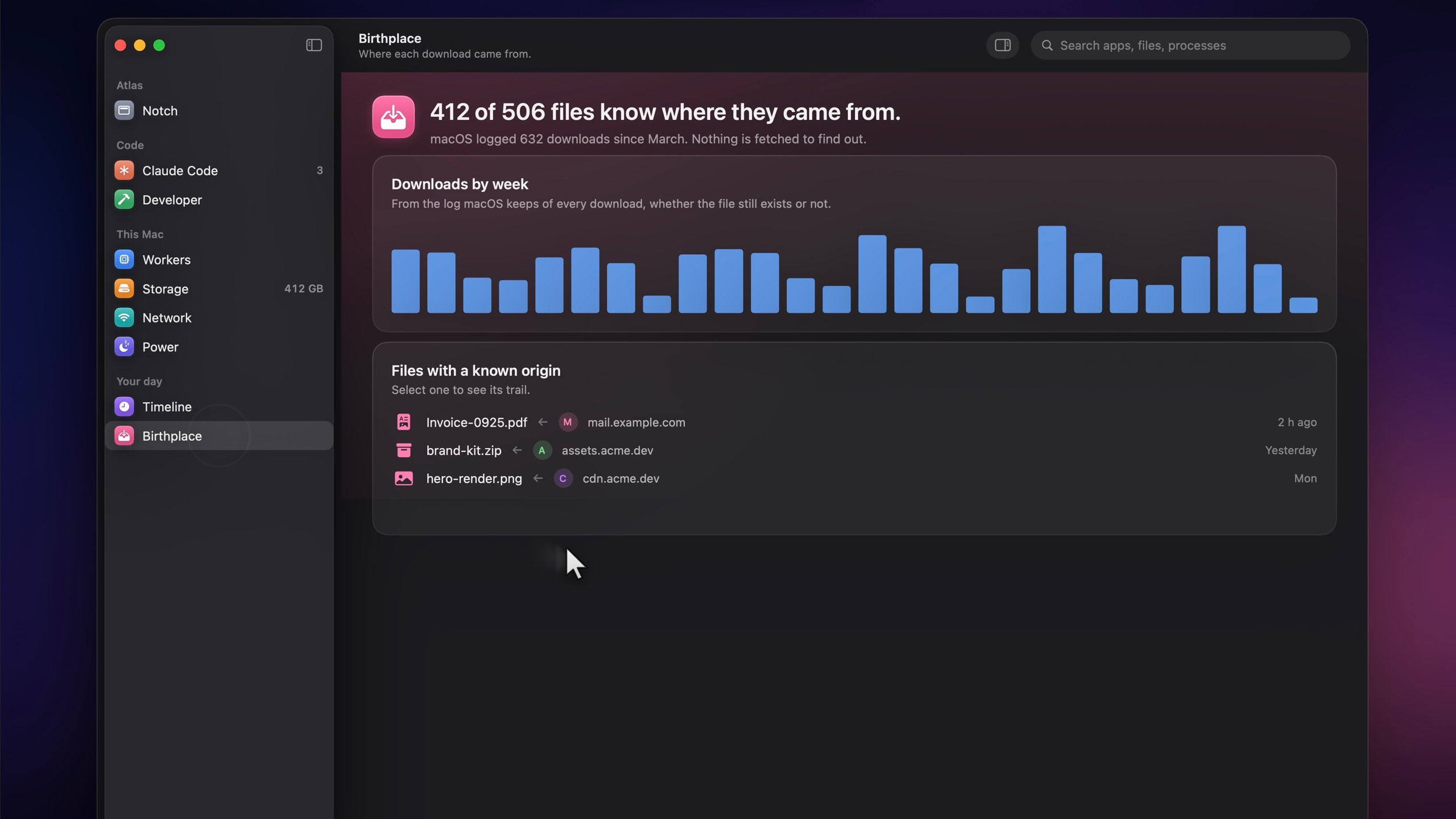
Birthplace
Where every download came from: the URL, the page that linked it and the app that fetched it.
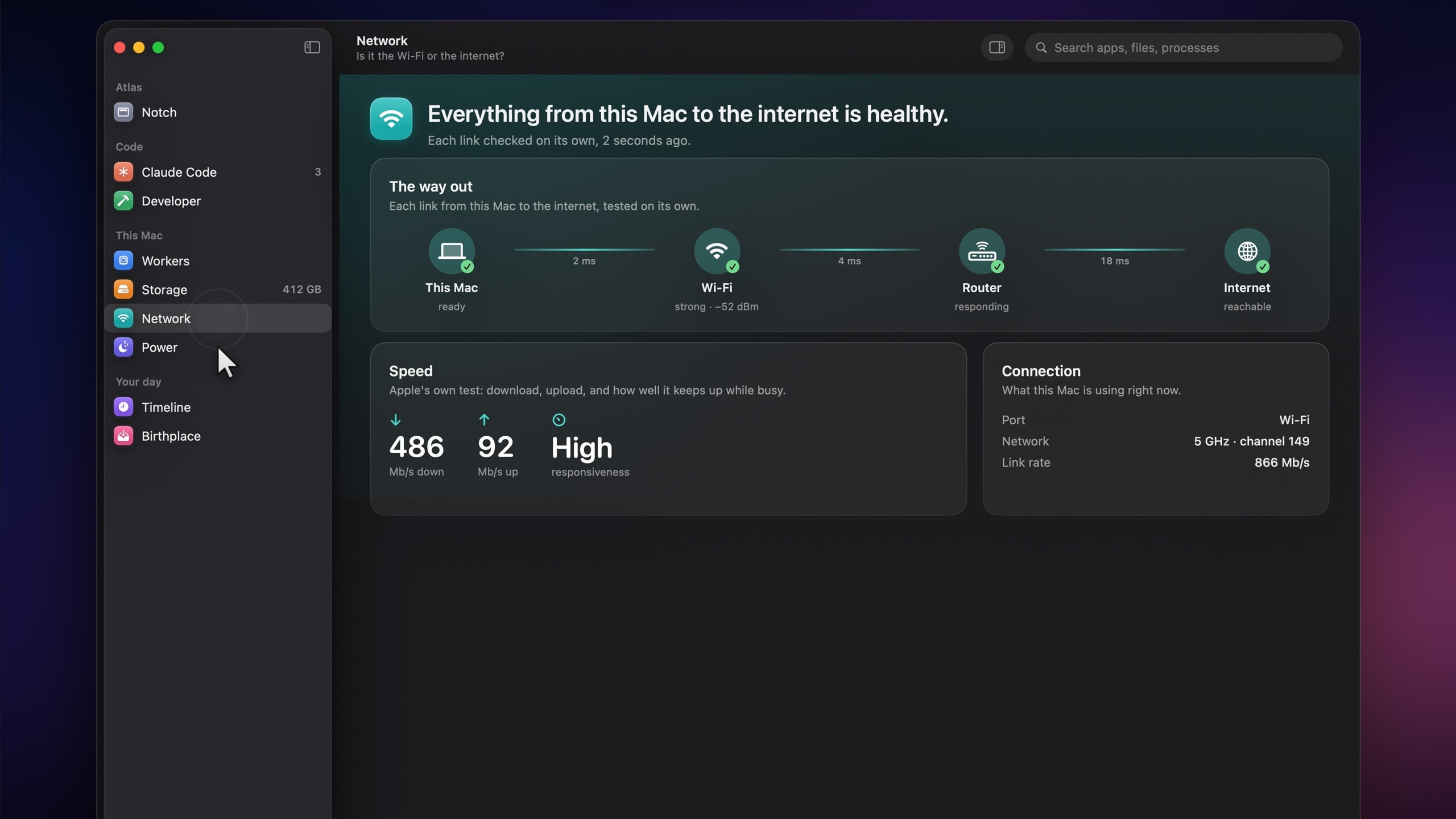
Network
Wi‑Fi, router or the internet? Atlas checks the way out, one hop at a time, and tells you which.
It reads what macOS already records, on your Mac, and shows it to you. Nobody else.
- 01
No account.
Download it and go. There’s no sign-up, and no Mac Atlas server to send anything to. Slack and ClickUp connect with your own token, straight to them.
- 02
Your data stays on your Mac.
One SQLite file on this Mac, with retention you choose, an export, and a delete-everything button.
- 03
Permissions only when you ask.
Screen Recording for Portal, the microphone for Voice, Accessibility for snapping windows. Atlas asks when you turn one on, never before.
- 04
Nothing deleted outright.
Cleanup goes to the Trash, only after you confirm, and Developer shows the command that brings a folder back.
It runs on macOS Tahoe (26) or later, on Apple silicon and Intel Macs. It’s a native Swift app, built for the Mac and nothing else.
Open the disk image and drag Mac Atlas into Applications. It isn’t notarized by Apple yet, so the first time you open it macOS asks you to confirm: open System Settings, choose Privacy & Security, and click Open Anyway beside Mac Atlas. You only do this once.
No. On a MacBook with a notch, the island lives around it. On any other display, Atlas draws one for you, or stays out of sight until you hover.
Never outright. Storage and Developer move things to the Trash only after you review and confirm, and Developer shows the exact command that brings a folder back.
No. Every page is optional: keep the ones you use and hide the rest. Slack and ClickUp connect with your own token, only if you want them.
Nowhere. It stays in one SQLite file on your Mac, with retention you choose, an export and a delete-everything button. There’s no account and no Mac Atlas server.
It keeps the island out of screen shares and recordings. Check Slack or ask an AI chat in the middle of a call, and the call only sees what you meant to show.
The everything app for your Mac.
A native Mac appApple silicon and IntelNo account needed